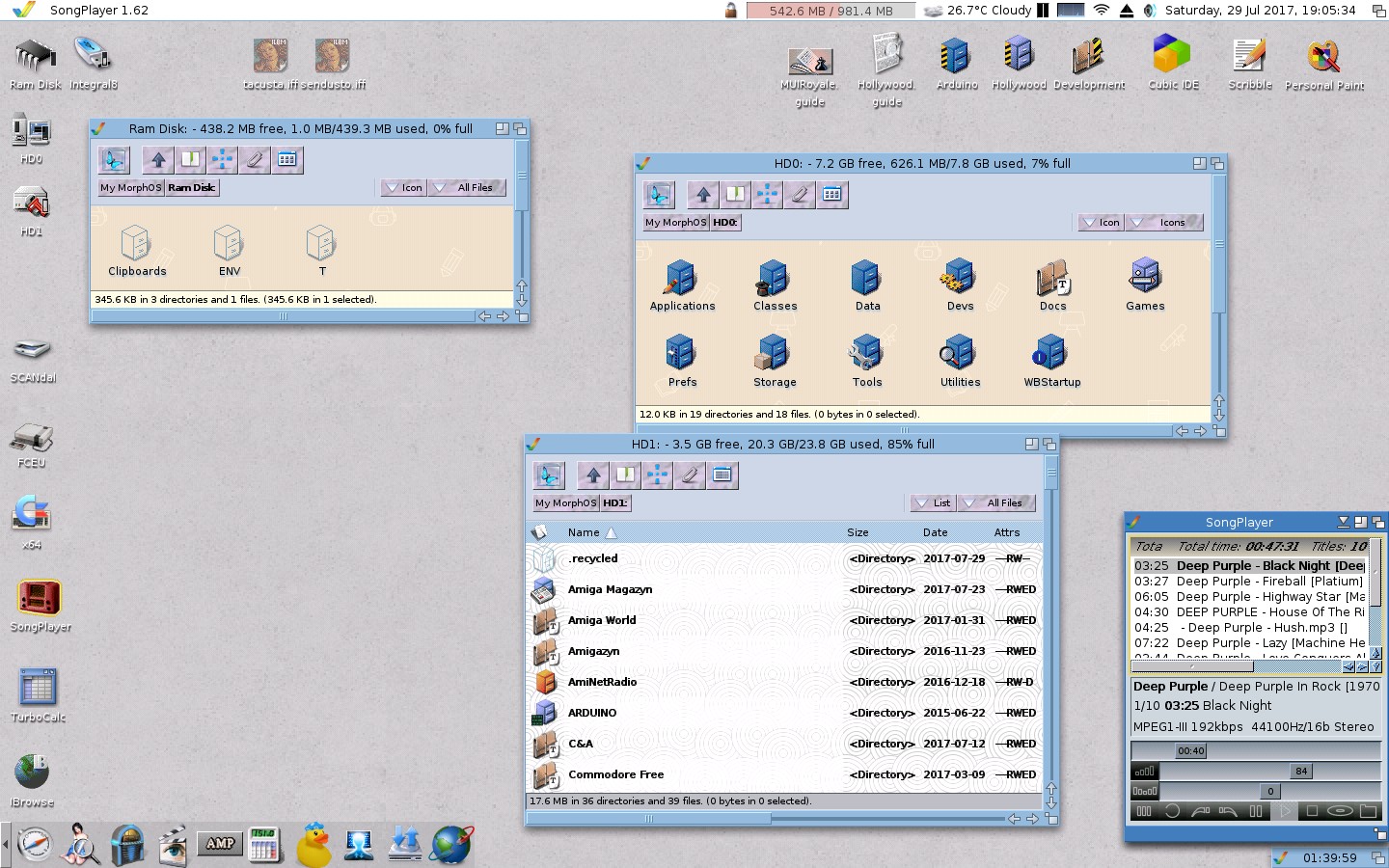
Recently discussion was about the Default Look of AROS and more specifically what it should be. We concluded that it should be Amiga OS 3.x Look since AROS is supposed to be using that for compatibility.
With that in mind I've started looking into some new themes & new icons that are reminiscent of Amiga OS3.x but there's an issue to sort out first.
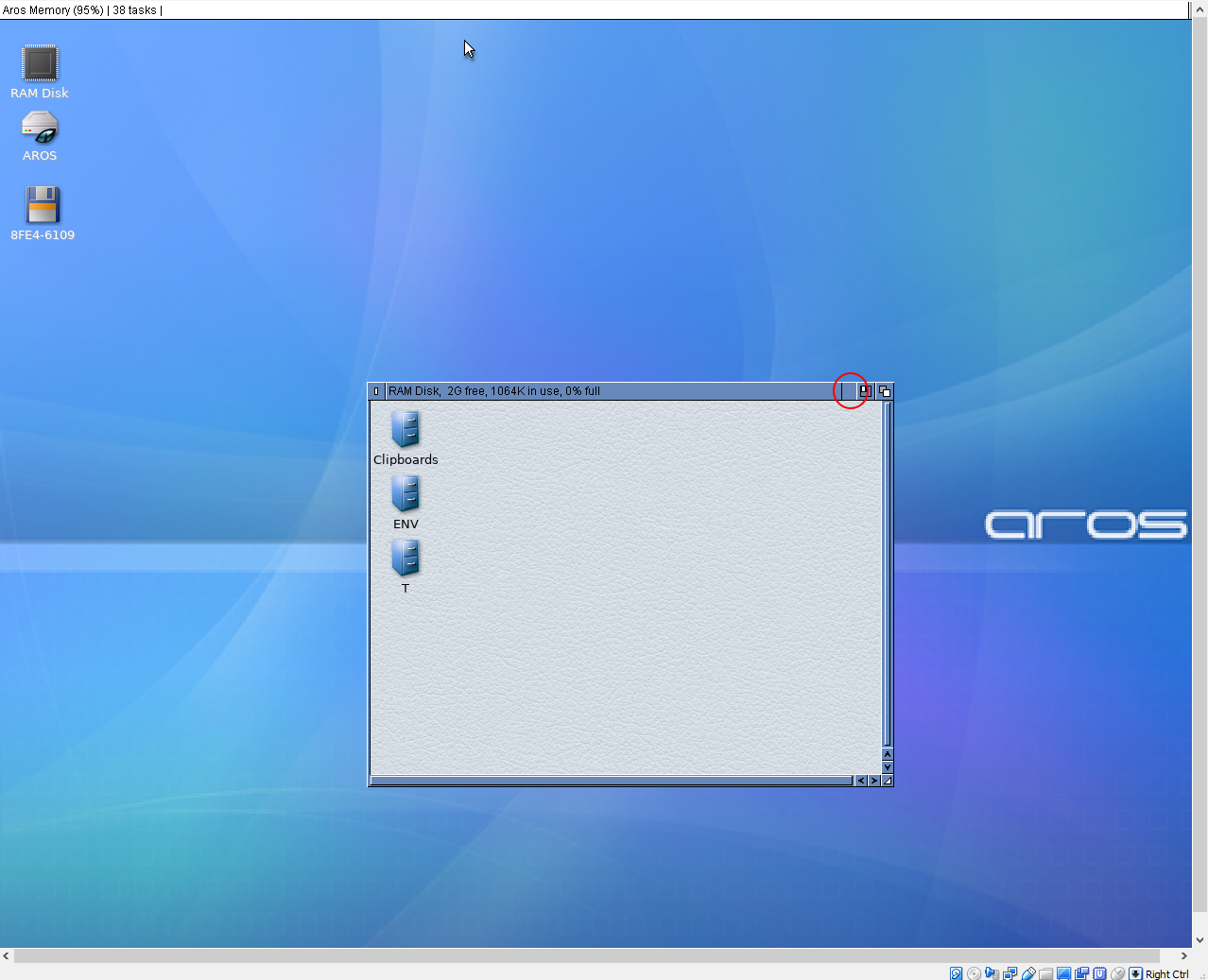
In the AROS theme "AmigaOS3.x" there seems to be a graphics gap on the right side just before the gadgets. What causes that? Is it a problem with the theme config?
miker1264 attached the following image:
 AMIGASYSTEMDistro Maintainer
Posted
2 months agomiker, if you attach the theme, It looks like you don't have the IconIfy gadget (image). I can help you! use Dopus5 Magellan ?
Here is the theme. I gave it a name that seems more descriptive. It's the same as "AmigaOS3.x" theme in the basic AROS themes directory.
Google AI says that in the theme config this:
BarJoinBG = 299 2
should be BarJoinBG = 0 0
But I'm not sure that will work. I have two OS3.x Classic Themes and they both have a gap before the gadgets.
It may have something to do with Zune global.prefs for No Padding Bytes on Right Side for Classic Themes?
I'm planning to write a small program called Theme Builder. It's actually a theme replicator. It works with themes with solid fill colors. It copies the theme & changes colors. But I need a starting theme to copy.
Edited by miker1264 on 28-08-2026 17:11,
2 months ago
miker1264 attached the following file:
AMIGASYSTEMDistro Maintainer Posted
2 months agoThe theme works well on my 32-bit AROS systems as well as on my AROS 68k systems.
It's definitely a problem with your system; try replacing the global file.
If your system is small, send me the details via PM and I might be able to help you.
AMIGASYSTEM attached the following image:
Thanks for confirming.
I'll try it on my native AROS on my mini PC
It was confirmed by AMIGASYSTEM
that your theme is working correctly.
So it's my installation of AROS in VirtualBox that has issues. I'll try later today to test the theme on my native AROS installation on mini PC.
That issue has been resolved.
The OS3.x theme & the new theme provided by retrofaza work correctly with Wanderer. But they don't work with Dopus Magellan. Not sure why.
Now the problem is that I use Magellan & other people do too! So the OS3.x themes should look good.
Edited by miker1264 on 29-08-2026 10:56,
2 months ago
miker1264 attached the following image:
@miker
on 68k I had always problems with magellan and the icons. Solution was to replace icon library with the icon library of PeterK by using remlib
Solution is on 68k to turn off themes at all then Magellan does it
I think I deleted global.prefs in env:zune directory
AMIGASYSTEMDistro Maintainer Posted
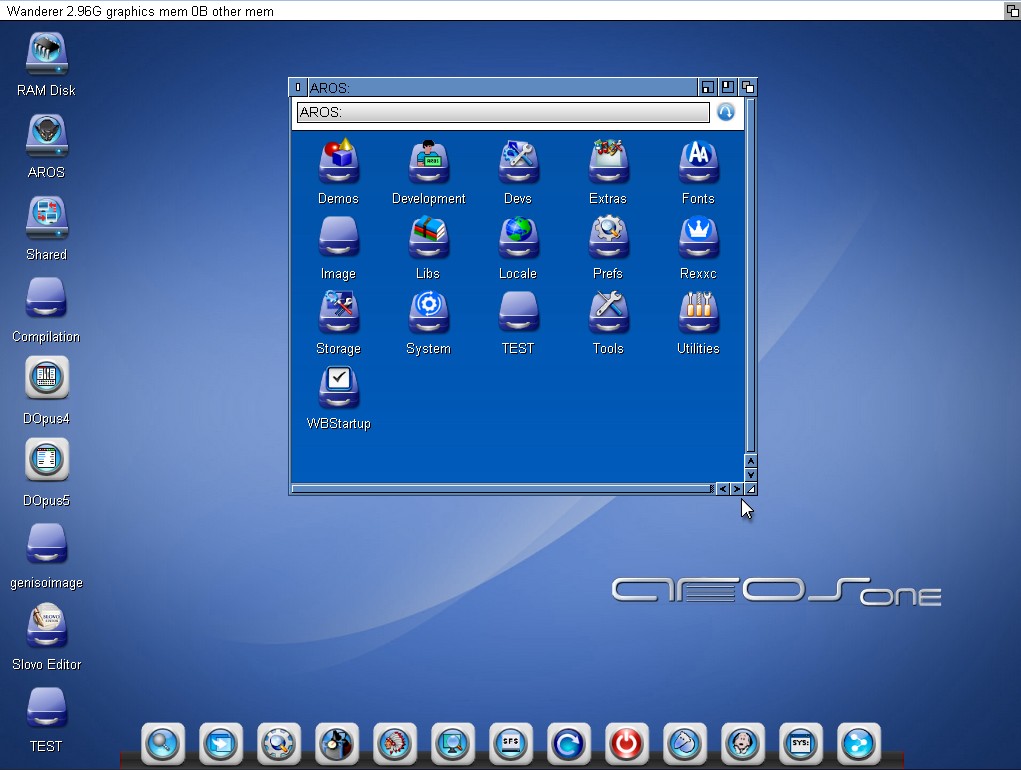
2 months agoThe retro-style OS3 themes certainly won’t appeal to those trying Aros for the first time; they’ll think Aros is something old-fashioned and outdated.
If we want to win over young people in particular, we need to showcase beautiful themes and icons to set ourselves apart from the icons found in modern operating systems.
On AROS One, I’ve removed the Amiga themes and any low-quality themes.
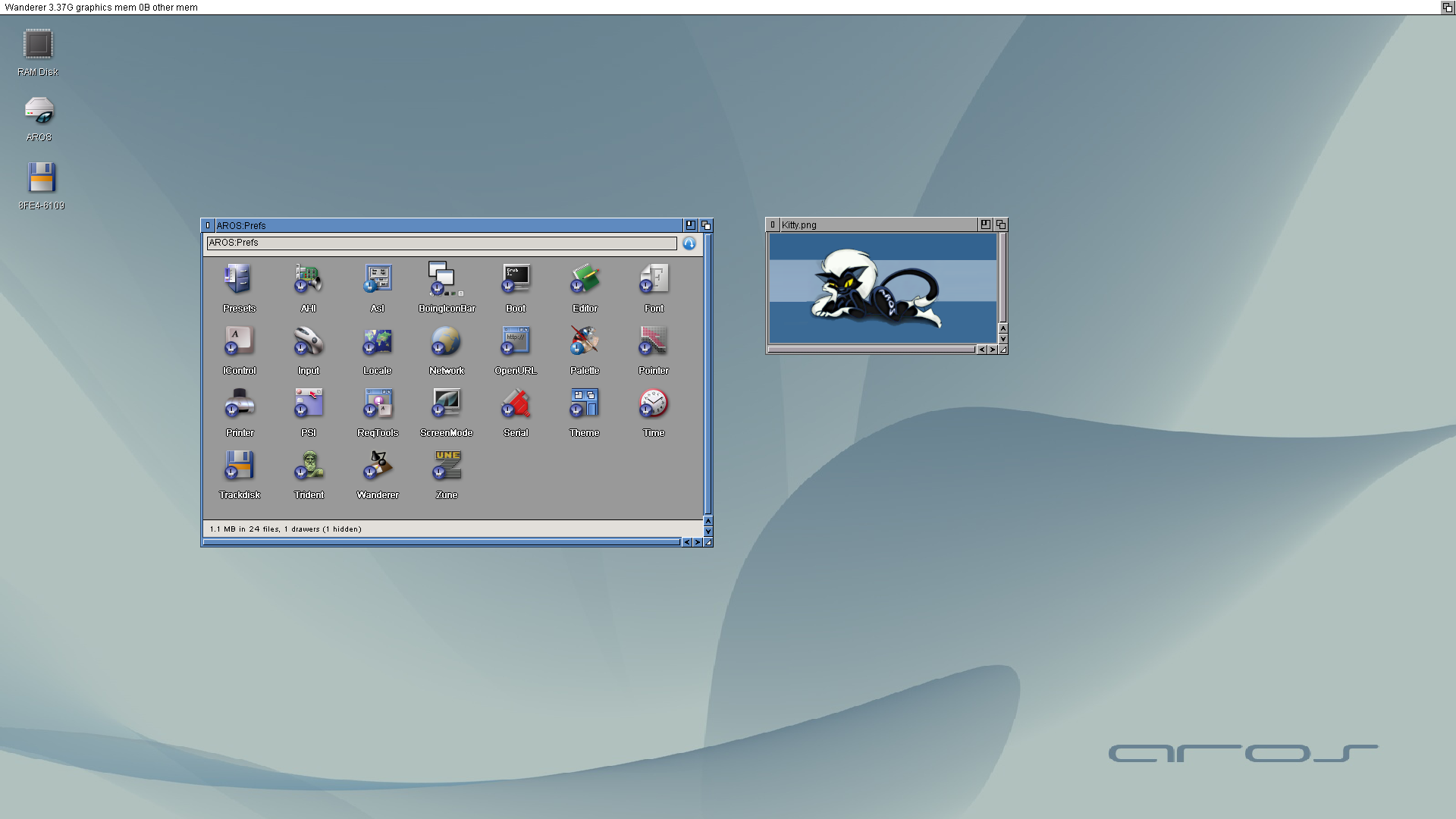
Amiga Classic Themes don't have to be ugly! Some are quite nice. Anything that uses a Solid Fill Color & Gadgets that are Amiga-like is what I consider OS3 Modern based in part on Amiga OS3.x but better!
Some AROS users may want to decorate their Workbench to look like Amiga. OS3 Retro & OS3 Modern themes gives them that option. Especially AROS 68k users may want to use those retro themes.
I'm not saying that should be the default look of basic AROS that was just built from sources. It can be some other, nicer theme & background. But basic, unadorned AROS, freshly compiled, doesn't have to be ugly.
Edited by miker1264 on 29-08-2026 17:59,
2 months agoAMIGASYSTEMDistro Maintainer Posted
2 months agoWhat I don’t understand is why it has to look like AMiGA. AROS has its own well-defined identity; it shouldn’t copy but be innovative. Let’s leave the past behind—it’s been more than 30 years now, and nobody knows AMiGA anymore. Otherwise, we’ll just end up making new users feel nostalgic.
The same goes for Ambient or Dopus5, why copy when we could create something new, innovative, and appealing to attract new users?
The problem is that “nice” is subjective. There is no default theme that will satisfy everyone, and changing the upstream default whenever somebody dislikes it just turns aesthetics into an endless cycle of “change it back.”
That's why the distinction between AROS itself and individual distributions matters. Distribution maintainers are free to decide how their particular distribution looks and what defaults it ships with.
The nightly builds aren't intended to be a polished, opinionated desktop product; they're a consistent environment for development and testing. If you prefer a different look, customise it or build a distribution around that preference.
Personal preference is a perfectly legitimate reason to customise your own system, but it's not a particularly good basis for changing the upstream project's defaults.
AMIGASYSTEMDistro Maintainer Posted
2 months agoAll right, I’m not talking about what’s beautiful or ugly; I’m talking about modern and old. For a new user to be drawn in, they need to notice something different or appealing. Seeing a window from 30 years ago is already a reason not to linger, because they might think it’s something old and unusable by today’s standards.
AMIGASYSTEMDistro Maintainer Posted
2 months agoIn the end, you picked up on my train of thought your video shows the path to follow, which is to improve Wanderer! As for the graphics, “the eye wants its share, too.”

 r-teaJunior Member