Just a quick update.
I'm working on some Icon App Launchers. An MUI/Zune window with icons to launch associated programs or prefs.
There are 3 varieties. Tabbed Window Icon Apps Launcher, Single Window with Icons, and Icon Bar.
One of them is a Tabbed Prefs Manager with icons sorted by category such as Utilities, Multimedia, InPut, etc. It can also be used as a Tabbed Appearance Manager for Themes, Sounds, Icons, Wallpaper Images. Just an idea.
The other single window with icons can be used for many things such as an Extension Module for Wanderer menu item, Open With. It keeps a categorized list in a text file & it uses datatype descriptors to get the base name and class of the current file to load the icon images. There are other uses for it as well. It reminds me of the Amiga Tool Manager :-)
Oh, and a special project that involves Background Images. It makes Wallpaper from Blanks! Sine waves, perlin noise, waves, ripples, swirls, all the cool distortions & convolutions you can imagine!
Edited by miker1264 on 08-10-2026 09:48,
1 month agoWell, I took the plunge! I installed some of the ArtCraft applications to check them out.
Specifically, I downloaded PhotoCraft, FilmCraft, WordCraft, CadCraft and PDFCraft to begin with.
I opened a text document in PDFCraft and I saved it as PDF. It worked great and I like the GUI.
Though it is different than Adobe. I works though.
I opened a PDF that I was working on a few weeks ago. In PDFCraft I exported to a Word Doc.
It opened in WordCraft without any issues. I'm impressed so far.
Lastly, I opened an AutoCAD dwg file in CadCraft. Admittedly, it took about a full minute to open.
It must have been dealing with all the elements in the drawing file. But it did finally open. There
were a few issues with text, but mostly ok. I saved the drawing but it didn't take as long as when
I first opened it. That's acceptable. Mostly, I would be satisfied if it used a progressbar like AutoCAD.
These applications were all on Windows 11 Pro. I look forward to trying them on other platforms.
Linux, Mac OS and now AROS are also candidates to run this software.
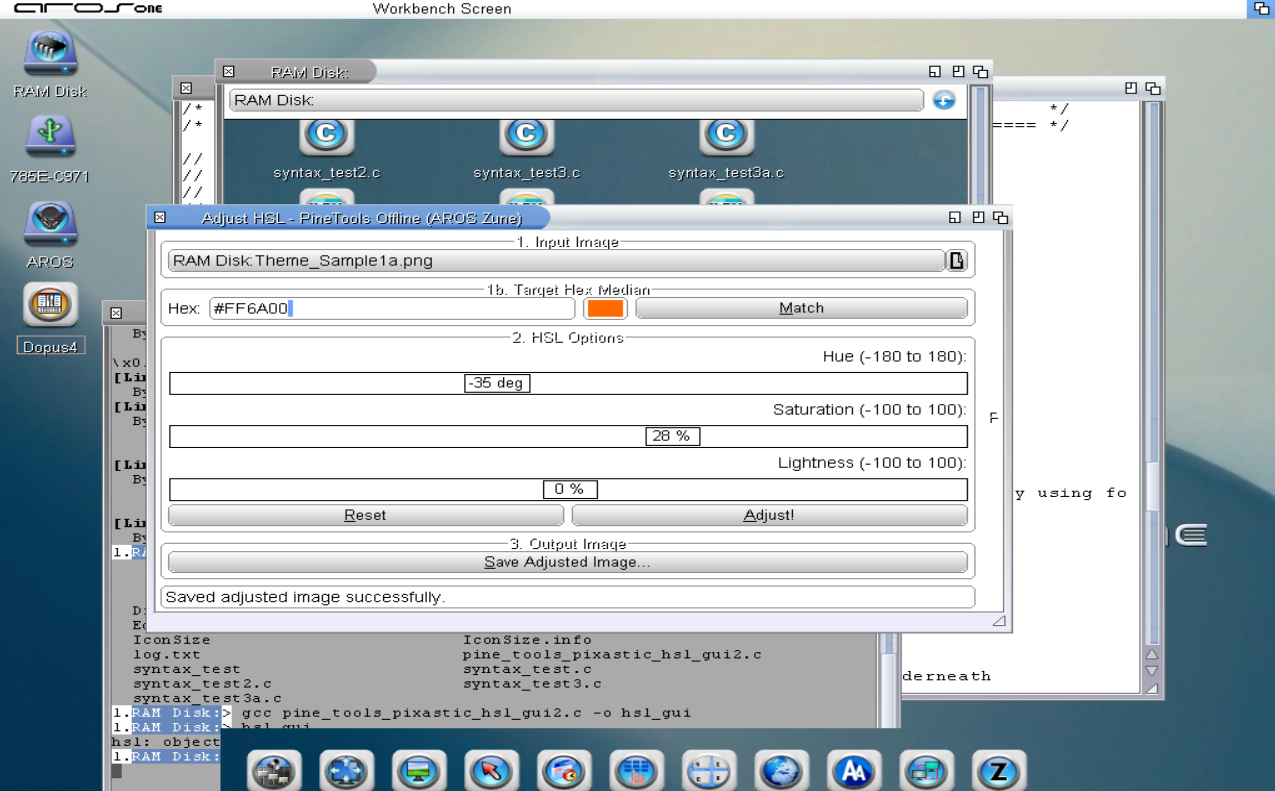
Here is an HSL Color GUI.
Maybe I will compile it for Aarch64 and play with it on the Pi400. ;p
miker1264 attached the following image:
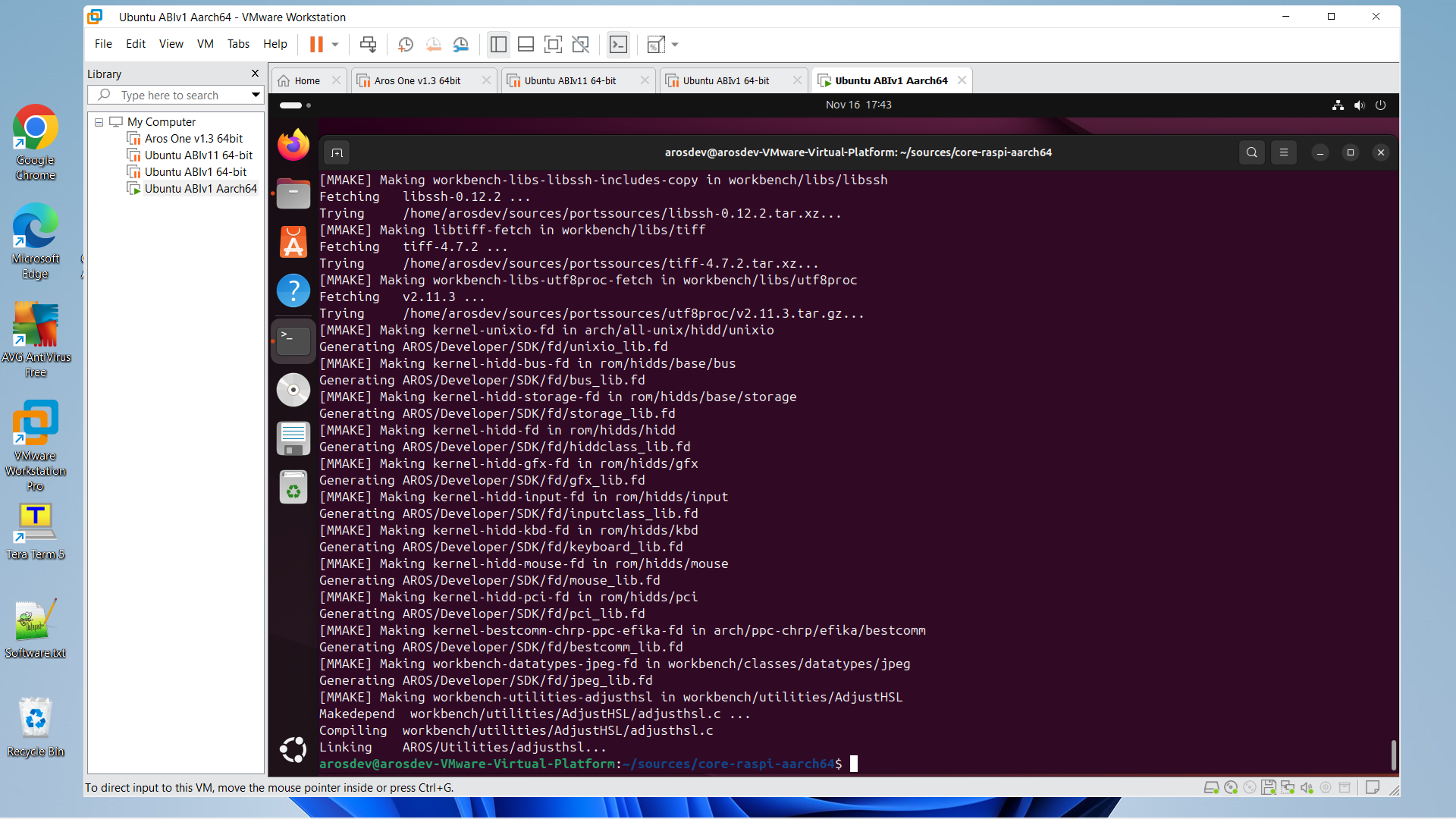
Adjust HSL GUI will be available for Raspberry Pi - Aarch64 as well as Targa Dataype.
The Adjust HSL Zune program is based on the Pixastic HSL Model.
Targa Datatype has been updated and is much more functional than the one in Contrib.
They have both been compiled. Some testing is needed before posting these on Aros Archives.
Edited by miker1264 on 16-11-2026 22:35,
20 hours ago
miker1264 attached the following image: