BohunDistro Maintainer
Posted
16 days agoYes, if someone unpacks an archive on a Mac and then saves the files to an SD card, a corresponding dot with metadata is created for each file and folder. That's the beauty of MacOS. I assume Mac users know this, but it doesn't hurt to ask.
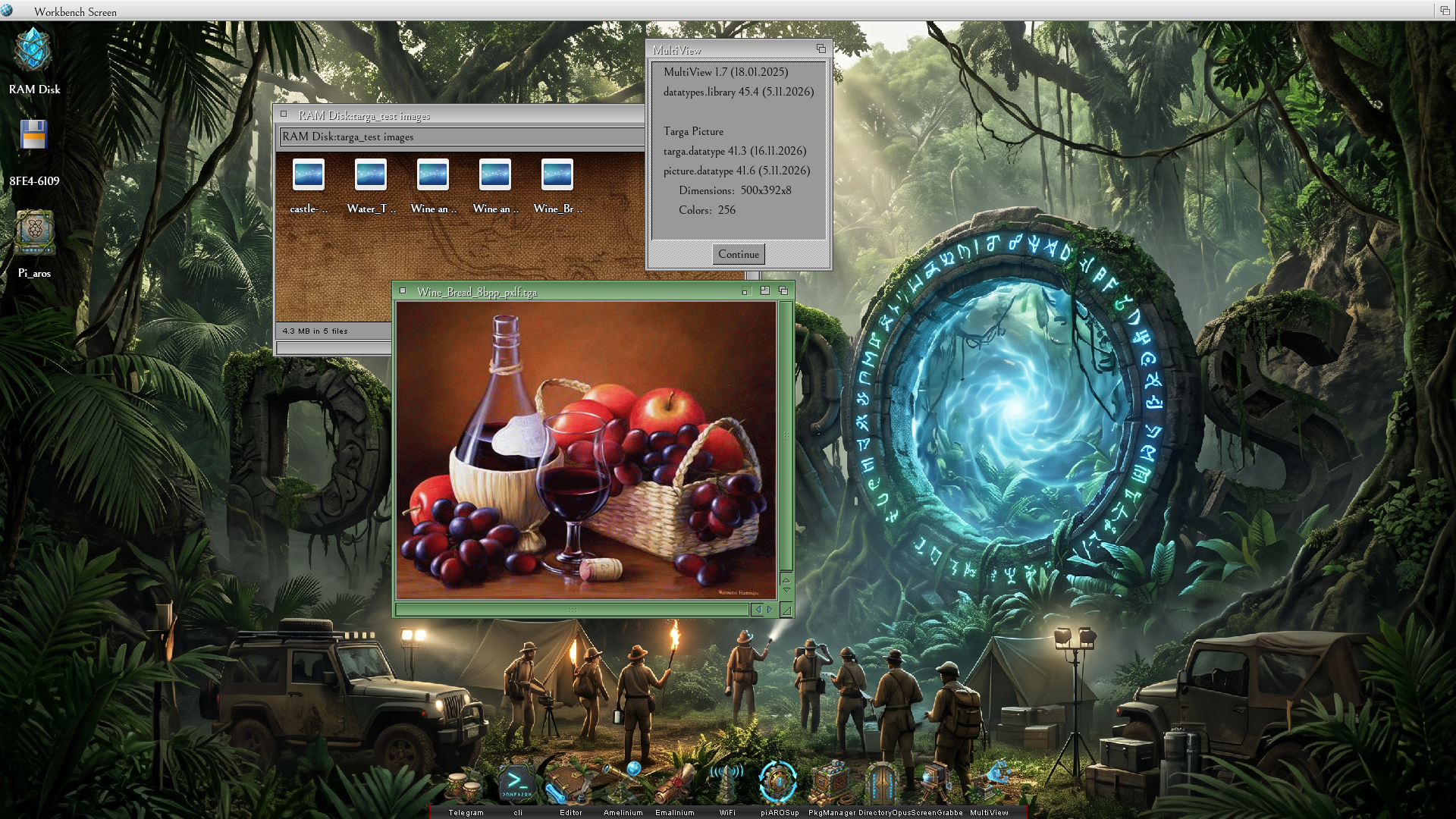
The screenshot shows Targa Dataype in action! It's working beautifully!
I compiled it for Pi_Aros Aarch64 and it will be available on Aros Archives.
I will also submit the new datatype by PR to ABIv1.
miker1264 attached the following image:
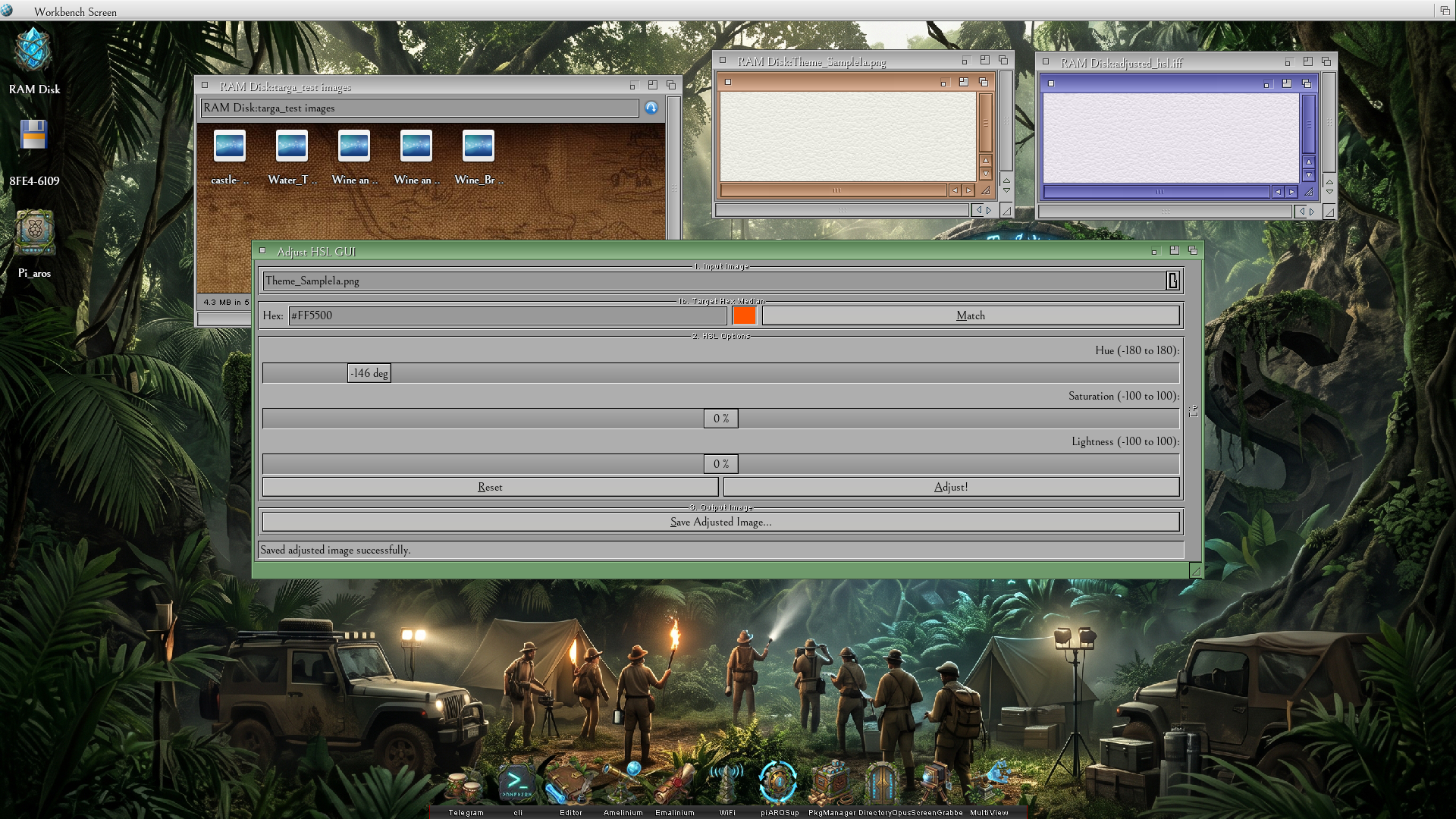
Just for fun I also compiled my Adjust HSL GUI that I'm using to make new colored window themes.
It also works well, but I will make a few adjustments. For the moment it uses DTWM_IFF to save as ILBM.
That will change to save as PNG. There are a few glitches in the user interface that I must also fix.
Lastly, I also want to make it so that you can select an image file to load, then go directly to the Save button.
The save dialog will appear and then you can select which picture type and bit depth to save. It will include Neuquant color quantizing to convert to 8bit for save as GIF or other 8bit image types. So, you can use if for HSL adjustments or to convert images!
The Adjust HSL GUI is what I use to do HSL Color Rotations for the Theme Previews. That is what make different colors. I also have a companion program called Reverse HSL. It can load two Theme Previews such a Coffee Bean in the screenshot and Lavender Blue to the right of that. The Reverse HSL then samples six matching pixels around the perimeter of each image,
it does several calculations to derive the best HSL values to make Coffee Bean into Lavender Blue. In this case Hue=-146, Sat=0, Lum=0.
These two tools are very useful. In fact, Adjust HSL can be used on any 24/32bit picture file supported by picture datatypes.
After some more testing and some modification Adjust HSL GUI will be available on Aros Archives.
Edited by miker1264 on 17-11-2026 22:51,
6 days ago
miker1264 attached the following image:
While thinking about possible projects I came up with this idea:
Since my Pi400 doesn't have an audio jack I need to use sound out through HDMI. But if I don't have a HDMI TV with a remote I need a way to control the volume.
I found USB Volume Knobs on Amazon so I can write a Poseidon Class Driver and an HDMI Sound App. Turn the knob and the Volume Slider Appears on screen.
It's an easy way to turn up / down volume or mute when listening to music on Pi_Aros. Also, I found the AHI Volume Control that Farox kindly provided so I can link into that. :-)
Edited by miker1264 on 20-11-2026 19:41,
4 days agoBohunDistro Maintainer Posted
3 days agoThat's a cool idea. If you have any programs you'd like to share that would expand the capabilities of piAROS, I'd be happy to add them to the update. The update will be necessary because I forgot about the programs rhun wrote specifically for the Raspberry Pi, such as VCStat and PiSensors. I'm sick and my brain isn't working as well as usual ;-)
Hi there,
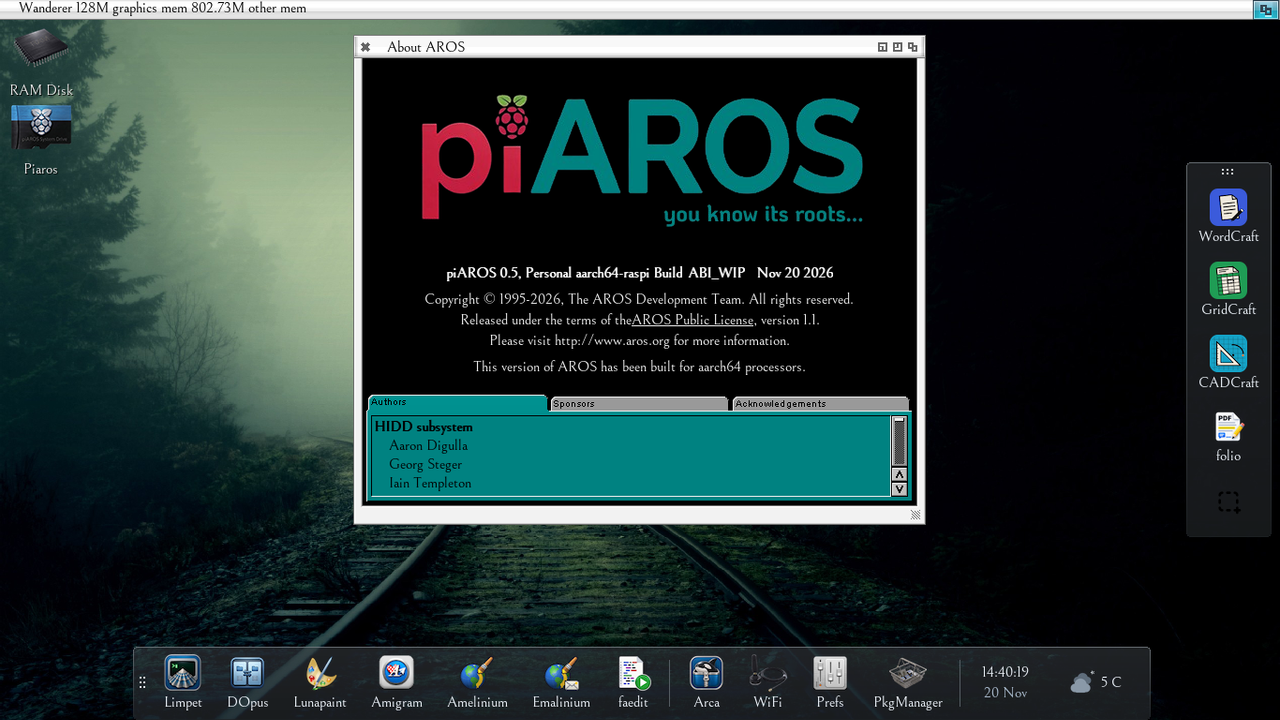
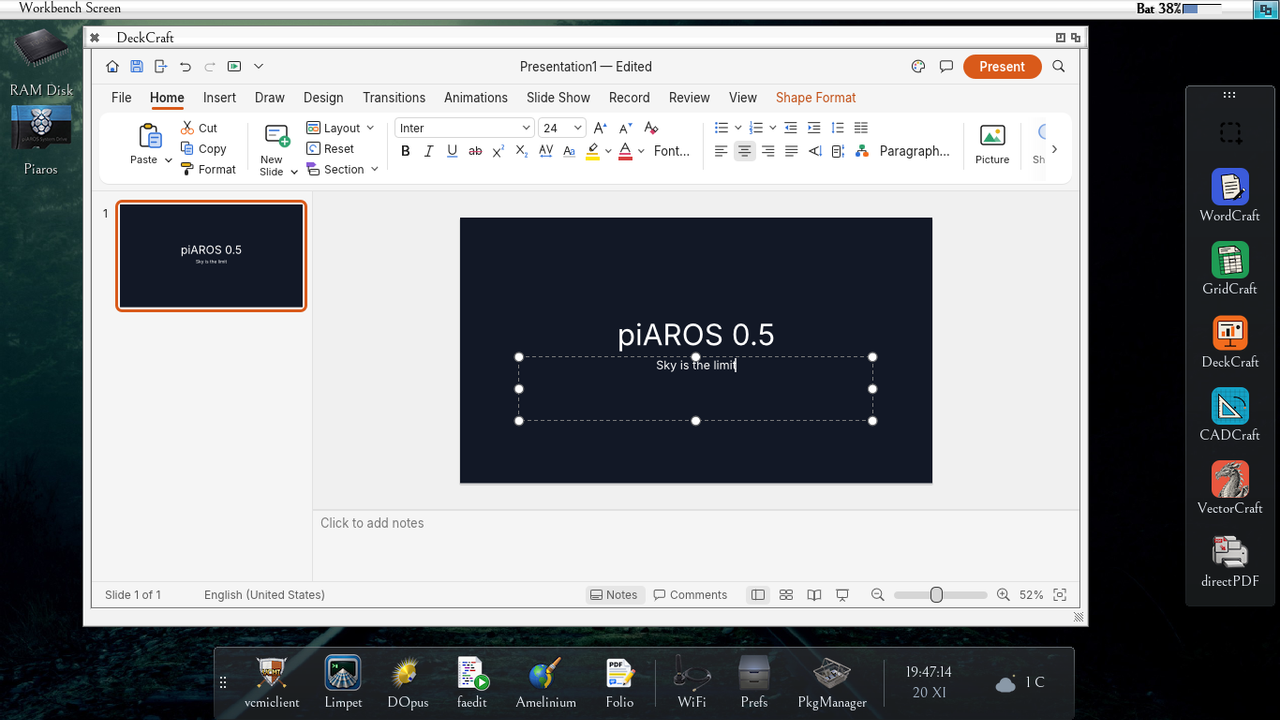
I downloaded version 0.5 and am running it on a Raspberry Pi 400 and I must t say I’m really impressed.
Couple of things I noticed though… like how can I access the Left and Right Amiga keys on the Raspberry Pi 400’s keyboard? I noticed there’s no "cls" command, although there’s one on AROS-Archives but it’s not for “aarch64-aros”, but I downloaded it anyway because it comes with the source, but is there a compiler included in piAROS? I noticed that when I “read” a txt file in DOpus I can’t close the “reading window”. I downloaded GrafX2 which is really great, but DOpus wouldn’t extract the file (no Lha in c?) so I had to download it on to my Mac running FS-UAE with AmigaOS 3.2.3 and extract it with Lha x there, and then move it over to piAROS — bit of a round about way of doing things — but it works… except colour cycling only runs when you move the mouse, and it will not let me save any changes to configure it (like Keyboard shortcuts). Also I have no sound through HDMI (when I’m running Raspberry Pi OS sound works fine). And is rexx working?
Even so… I really am absolutely awestruck, it’s like having a true Raspberry Pi Amiga.
Edited by PerspexSphinx on 23-11-2026 22:42,
10 hours agoYes. I'm running Pi_Aros on my Pi400 also. It's great.
It's good you pointed out the LHA and sound issues. I'll check the HDMI out sound on mine.
Did you stup HDMI sound in AHI Prefs?
BohunDistro Maintainer Posted
10 minutes agoI actually made a mistake when replacing def_icons. They don't point to the unpacker. I'll fix that in the future. I recommend Arca for unpacking – there's an icon with an orca icon in the dock and in Packages/Arca.
Audio is of course available, but by default it points to the HDMI output. If you want to use the audio output, change the driver in AHI.
Edited by Bohun on 24-11-2026 08:54,
8 minutes ago
 amigamiaAdmin
 .