Working with a project this complex requires that I break it into smaller pieces with milestones that I must achieve at each step. I enjoy projects that start out very basic then become more complex over time.
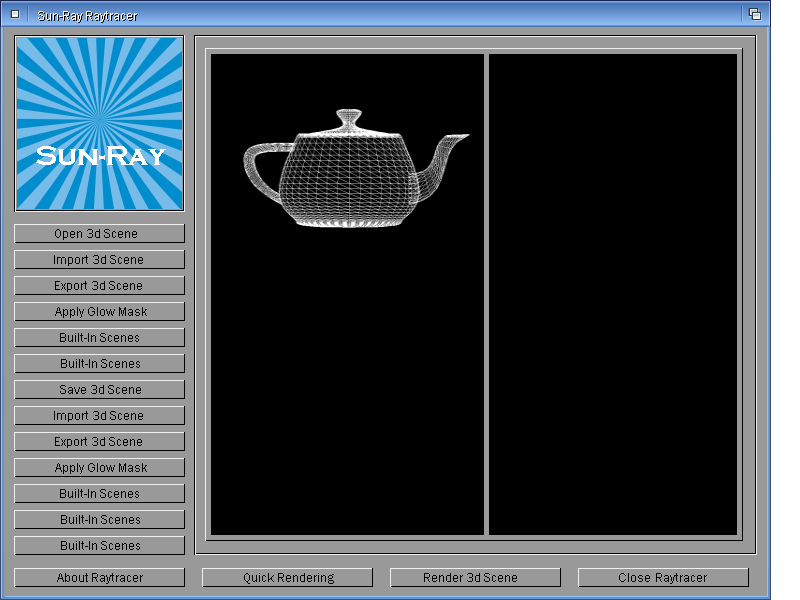
The Opengl context (black window) is real. The buttons and logo were added to help visualize the layout.
The parser for the 3d mesh file is working and the Opengl rendering of the wireframe works also. Now I need a user interface with either GadTools & Intuition Window, or MUI/Zune & Custom Draw Window. I'll choose the easiest of the two.
So that's my first milestone - a working user interface where I can load a 3d mesh & render a wireframe using Opengl. At first a Single Viewport, then Quad View with four viewports showing different views.
As you may have guessed the 3d teapot wireframe is the Hello World of 3d Rendering Programs! ;-)
Edited by miker1264 on 23-09-2026 13:52, 2 months ago
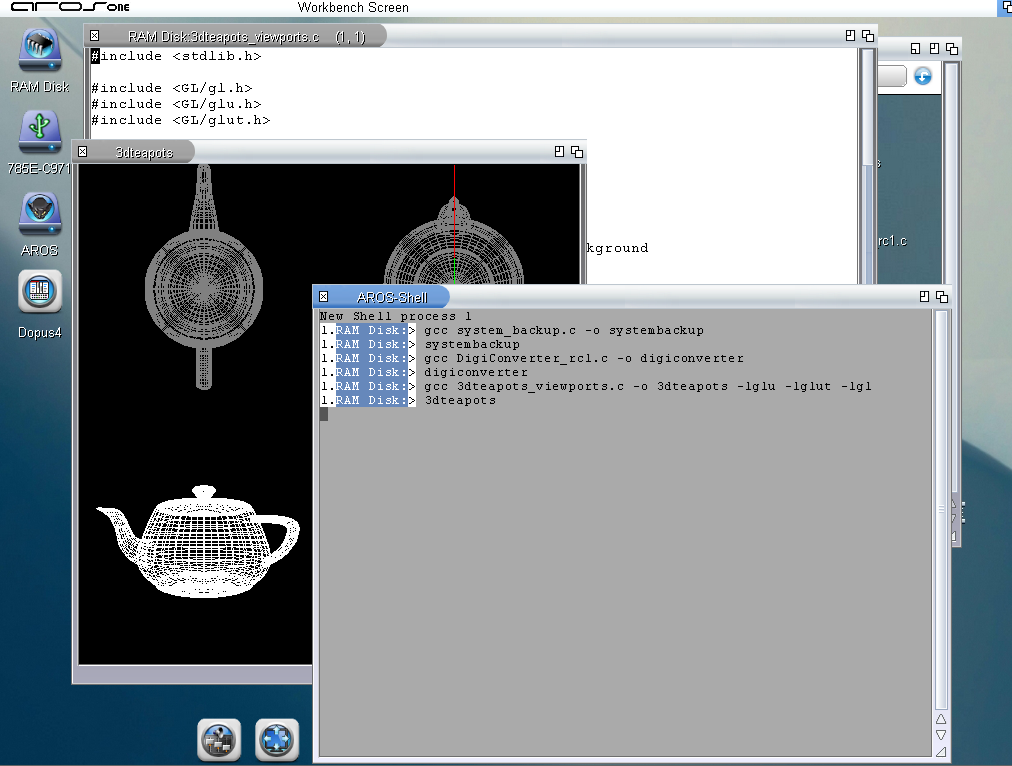
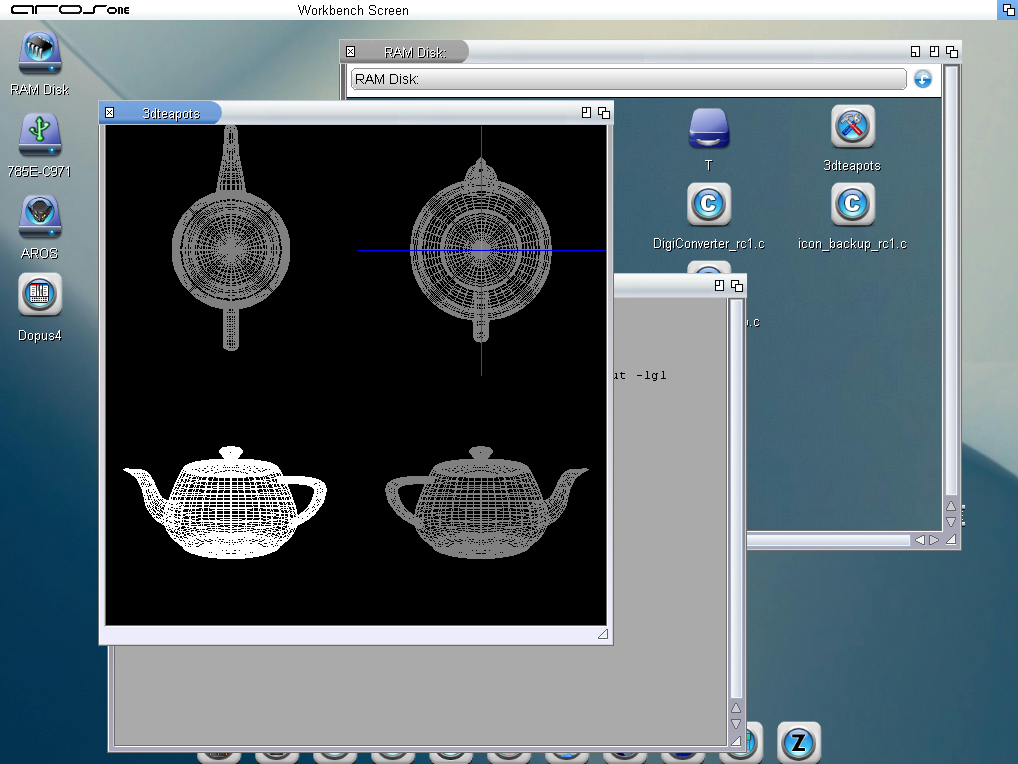
These are the beginning of the Viewport Layouts with Opengl wireframes.
My concept at this point is that the Active Viewport has a white wireframe, while Inactive are grey.
I'm not sure if it's better to have 4 glContexts (Viewports) or just 1. In the screenshot I'm using only one Viewport by drawing to different sets of coordinates to make it seem like there are four "Virtual" Viewports.
To make it seem more realistic I plan to draw a horizontal and vertical white line to divide the Viewports. The glColors can change that control the background & the foreground Viewport colors. So that Grey Background & Black Wireframe resembles Amiga RayStorm colors, Light Blue Background & Black Wireframe is reminiscent of 3DS R4. And Black Background & White Wireframe is a more modern look.
The Viewport Names from top left to bottom right are Top, Bottom, Side & Perspective. I'd like the user to be able to click in the bottom right Viewport (Perspective) then use the mouse or keyboard to rotate the viewpoint. The other Viewports are "Fixed". They don't change.
Thanks to deadwood for help in compiling the source code.
Edited by miker1264 on 25-09-2026 13:49, 2 months ago
When it's in an operational condition, when it can load 3d scene files with 3d objects that can be rendered then I'll release it for each platform I can.
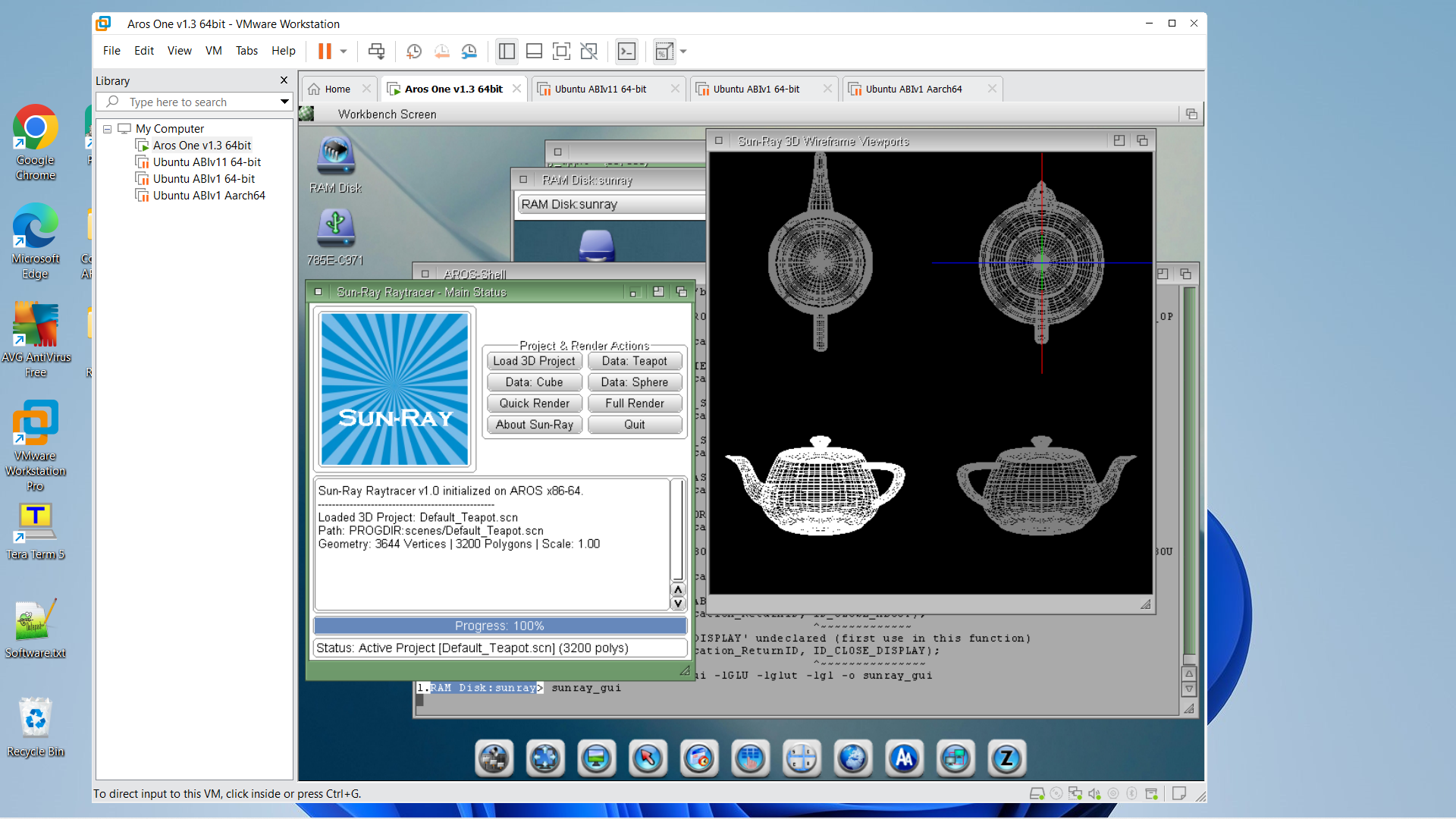
It's just in the beginning phase. I combined my existing 3d demo with a new Zune Status Window. I made it modular, so there will be 4 windows. The main status window, the about window, the wireframe window, and the display window for the image.
You can view all discussion threads in this forum. You cannot start a new discussion thread in this forum. You cannot reply in this discussion thread. You cannot start on a poll in this forum. You cannot upload attachments in this forum. You can download attachments in this forum.

 ArgoMember