I'm wondering rather than a PDF (whch would not have working hyperlinks with AROSpdf), what about a html document? Rather than needing OWB to load this, we do have a html datatype but can this handle images? I'll have to investigate. This could be backed up with a PDF version if anyone wanted to print it. Of course there's AmigaGuide; I love it but it might look a bit 1990s to new users. Another alternative is a Hollywood presentaton; that could be made to load up a script to make the content easily editable but woudl not then be available for e.g. the RPi version.
Could ithe files for teh guide be hosted somewhere so those of us contributing could add to it as a combined effort?
@miker1264 Looking forwards to seeing the new theme.
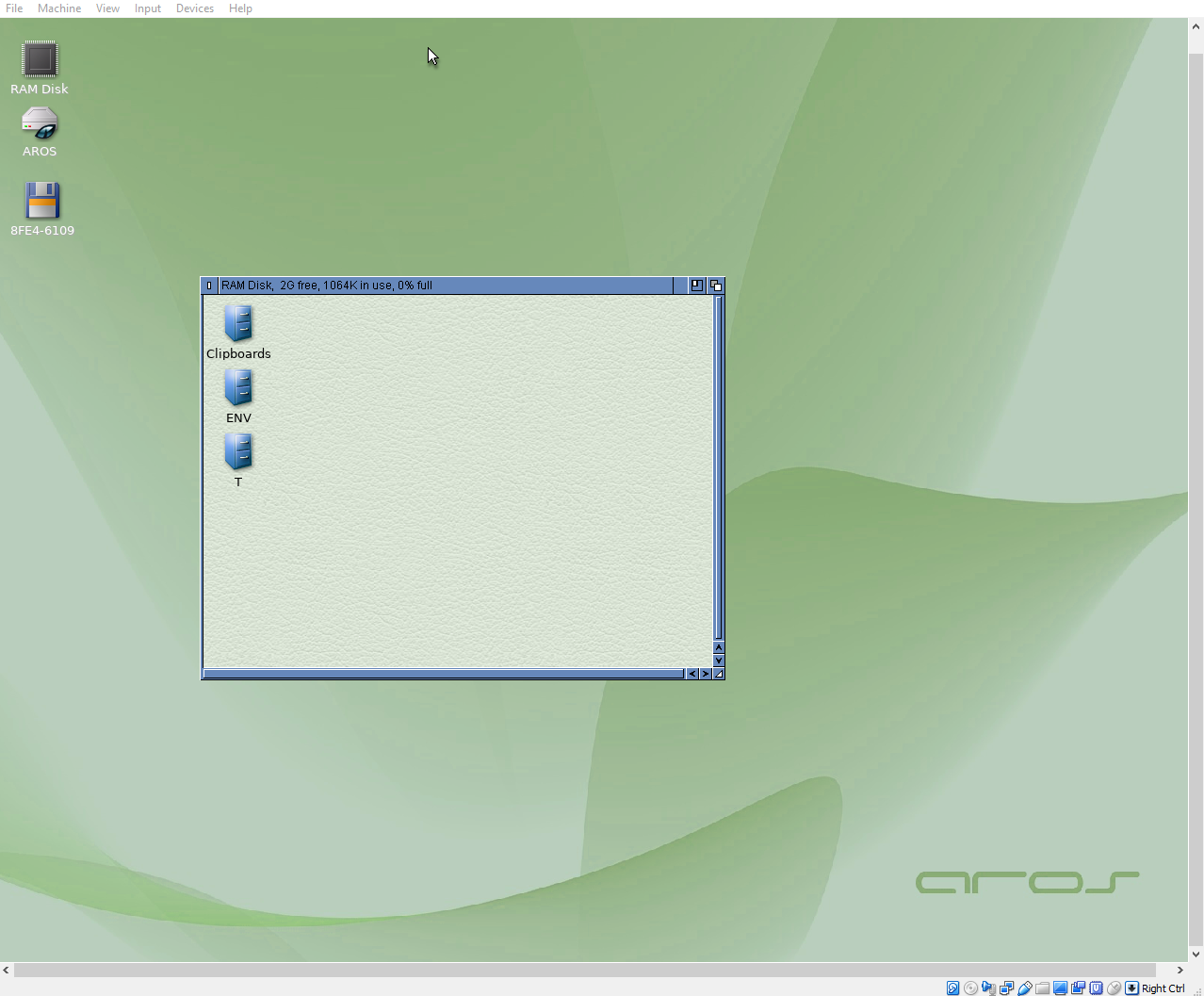
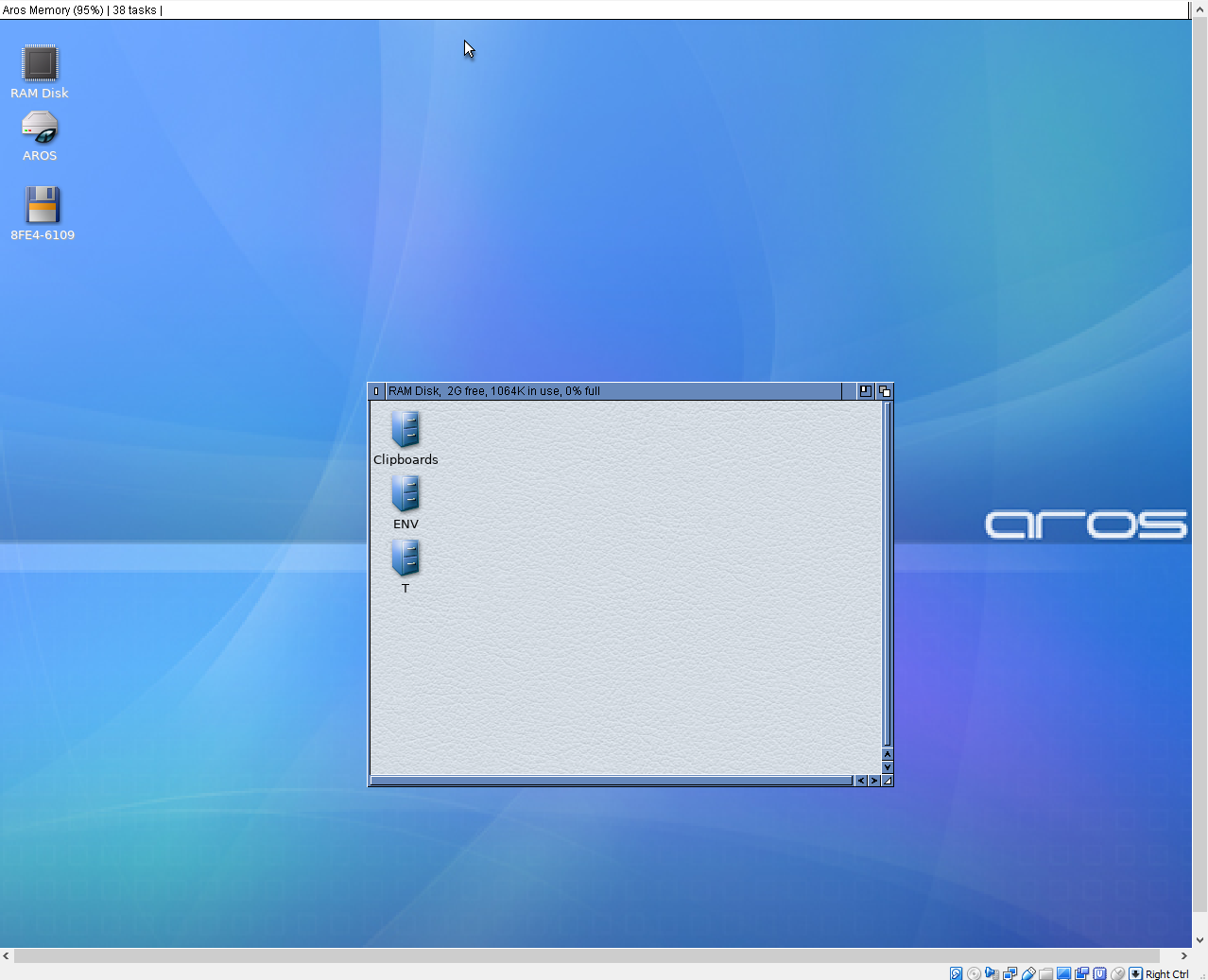
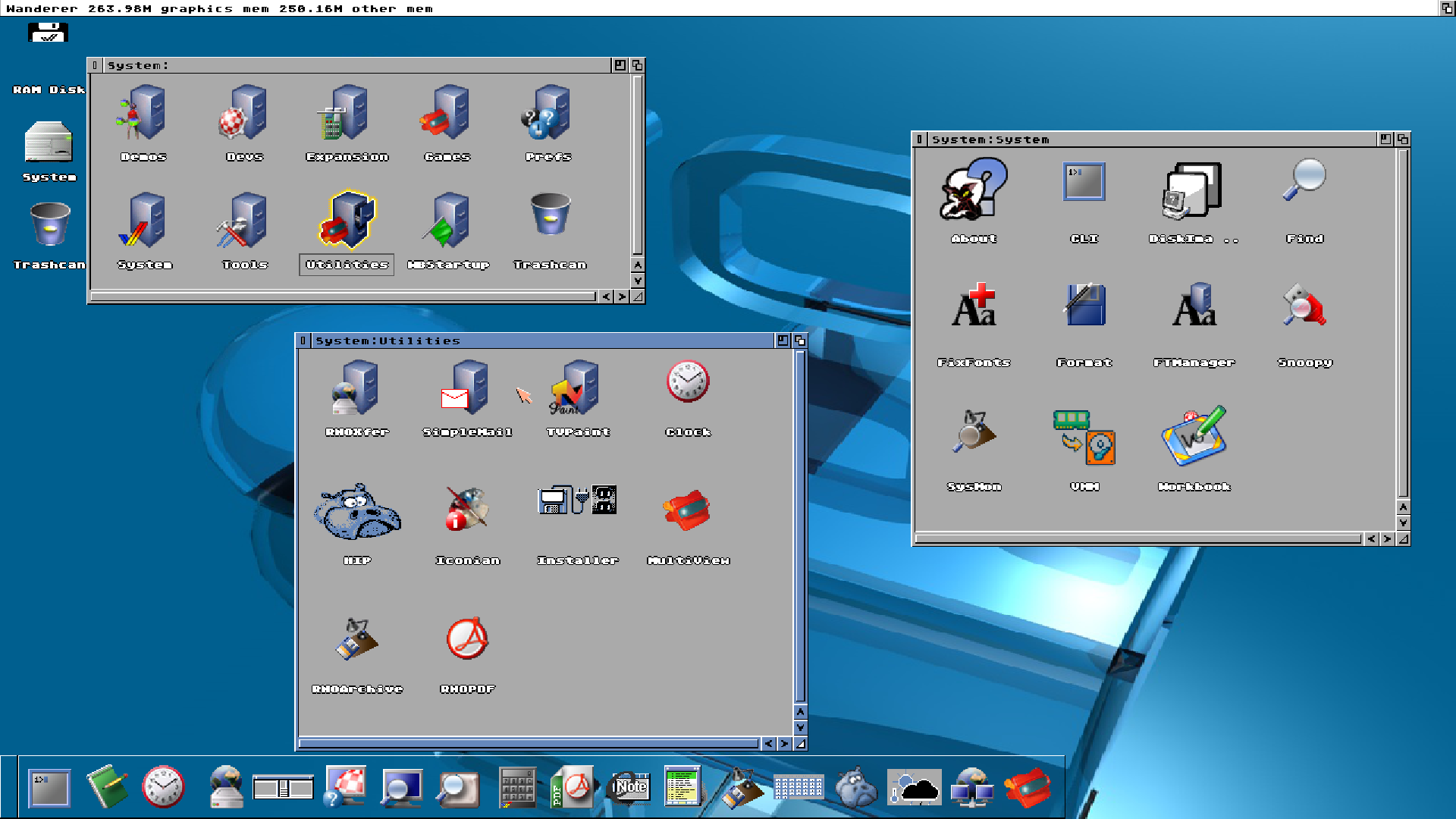
I think beauty is very much in the eye of the beholder; what looks great to one user could have another reaching for the prefs, so keeping freedom of choice is important I feel. Having a diverse range of themes is valuable; I like the 3D look but some of my students, used to the Windows 'flat' look of recent years, thought it was dated. Saying that, fashions change and I think read somewhere the 3D look might be coming back into vouge. In any case, a range of themes from classic Amiga though to full Star Trek would be good.
A graphical Themes editor would be very useful; I've made some changes by hand using Editor and it's not what would be called user-friendly. Also, directly after after an install maybe launch a tool to set the theme before first boot? Possibly set other prefs too such as locale and keyboard so they are all in place immediately? Obviously with the option to skip if this if not needed.
@matteo I can only echo again what's above; if you would like videos to just play on clicking, all the software you could wish for insatlled in logical locations etc. please do look at the AROSOne and TinyAROS distributions, it' all set up for you. You don;t even need to install, the distributions are 'live' drives.
To address some of your other questions:
Prefs - the names of these are inherited from the Amiga so very familiar to those of use who used them back in the day, maybe not so much to others. PSI is for public screens (creating, opening and closing), icontrol is short for Intuition control, Intuition being the name of the Amiga's original GUI system. However, I can appreciate that to someone not from the Amiga tradition they could be a bit confusimg.
A suggestion (although I think someone did mention this though a few months ago): as an alterntive to the prefs drawer, pull up a single window listing all the possible settings (MorphOS has soemthing like this) with 'plain vanilla' names. All selecting an option would do is open the appropriate prefs program, so it would not alter the traditional prefs setup, just add another route into it.
'X' on the right. I think there might be a theme that does this, and maybe it could be an option in the postulated themes editor However, it would never be the default as the Amiga always had it's close-button in the left-hand position, and for good reason, so you can't accidently hit it when fiddling with the resize and back buttons, especailly if using a touchscreen. I think Windows and Linux should move their close buttons to the left...
Applications: pdf viewer - please see AROS:tools/arosdf for the pdf viewer. Again if you install a distribution just clikcing on PDF file will launch it. Writing optical media is through Fryingpan, but that needs some more attention before it will work on x64. To search for a file or program, just use the Wandrer menu window/find.
One final observation. I guess for myself I value function over appearance. I know someone with an A1200NG system. We tried to copy a file across to it using a SFS formatted USB; the system, which calims to be an Amiga, could not mount it. Enough said...
Cheers,
Nigel.

 AMIGASYSTEMDistro Maintainer
 cdimauroMember
 amigamiaAdmin