
Aros One Hosted Linux and AxRuntime 64Bit
Last updated on 1 year ago
 AMIGASYSTEMDistro Maintainer
 AMIGASYSTEMDistro Maintainer
Edited by amigamia on 30-01-2025 07:56, 2 years ago
3 users reacted to this post
Argo, deadwood, miker1264
AMIGASYSTEMDistro Maintainer
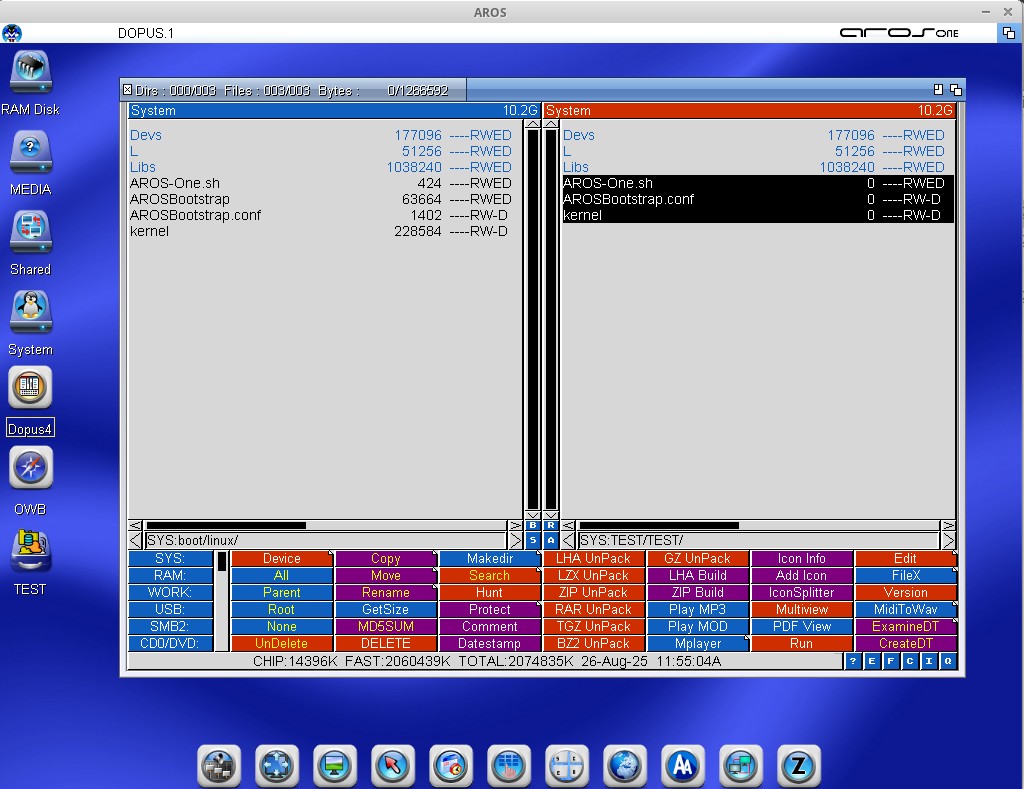
AMIGASYSTEM attached the following image:
deadwoodAROS Dev
Posted 1 year agoEdited by deadwood on 26-08-2025 11:12, 1 year ago
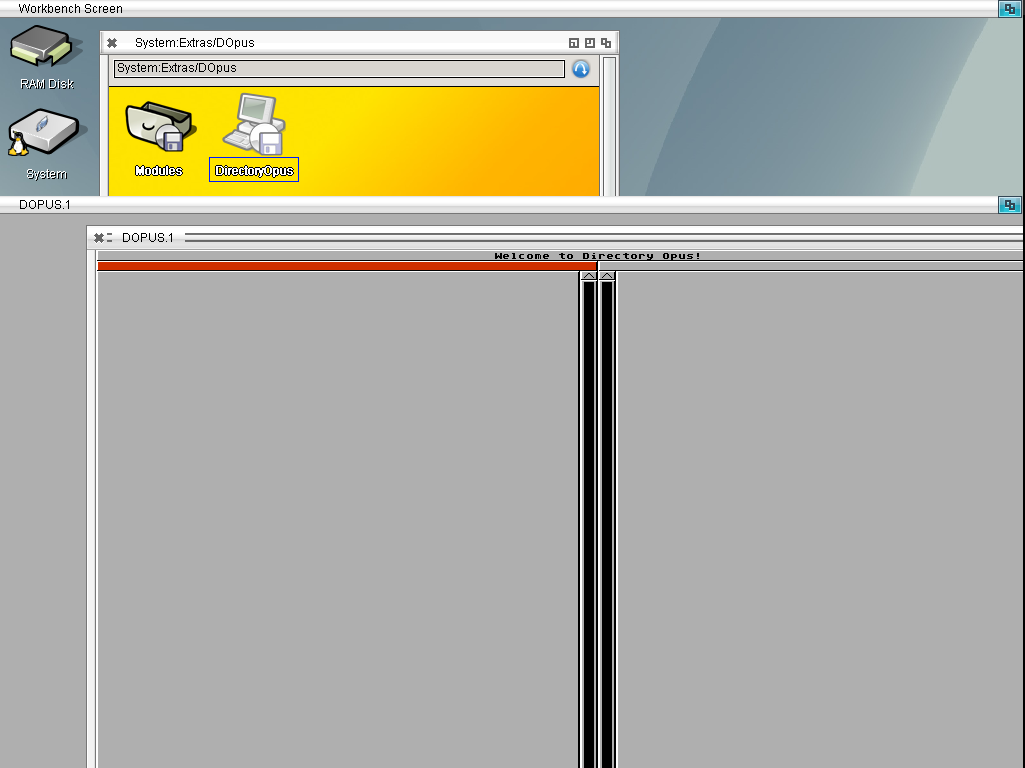
deadwood attached the following image:
deadwoodAROS Dev
Posted 1 year agoAMIGASYSTEMDistro MaintainerAMIGASYSTEMDistro MaintainerYou can view all discussion threads in this forum.
You cannot start a new discussion thread in this forum.
You cannot reply in this discussion thread.
You cannot start on a poll in this forum.
You cannot upload attachments in this forum.
You can download attachments in this forum.
You cannot start a new discussion thread in this forum.
You cannot reply in this discussion thread.
You cannot start on a poll in this forum.
You cannot upload attachments in this forum.
You can download attachments in this forum.
Moderator: Administrator, Distribution Maintainers
Users who participated in discussion: deadwood, AMIGASYSTEM