Thread subject: AROSWorld :: Odyssey Web Browser 32-bit
Posted by serk118uk on 23-10-2024 11:07
#1
Posted by deadwood on 23-10-2024 11:10
#2
It looks like you are still using Odyssey 1.26 - please try the RC build of Odyssey 2.0 that I posted a couple of posts back. Please unpack the archive AS-IS to a new directory without adding any of the existing configurations from Odyssey 1.26.
Edited by deadwood on 23-10-2024 11:10
Posted by serk118uk on 23-10-2024 12:21
#3
Sorry I run wrong owb, below is the right one,
No crash or freezing but video still not playing, I can move the owb window but soo slow , 2nd video showing the wanderer refreshing as I move the owb window and also entire arosos is very slow after pressing play button of youtube
Edited by serk118uk on 23-10-2024 12:24
Posted by AMIGASYSTEM on 23-10-2024 12:38
#4
serk, yesterday I created a small Build for Amiwell79, where I included only OWB 2.0, Youtube also works from the Live CD without installing anything, try it and see if youtube works on your PC.
If you have trouble booting the ISO I can create a USB Image
In the preferences OWB iPhone spoofing is set, which is the fastest!
Start OWB, and search for a video from the search engine (DuckDuckGo) and then click on the hyperlink, this way the video should start after a few seconds!
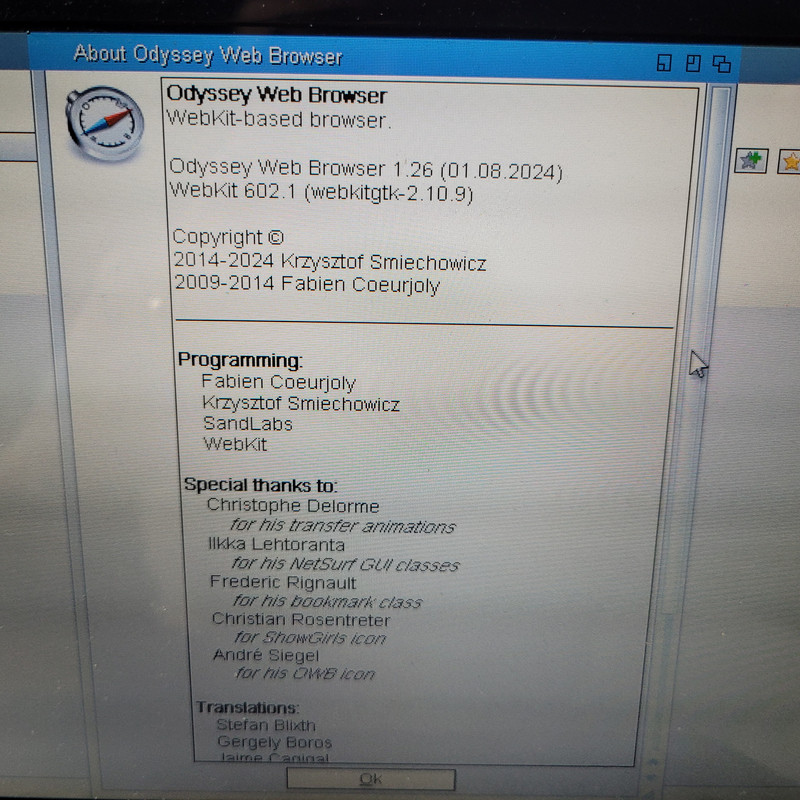
Ok, I think we are getting somewhere. Obiously the system and browser are alive - otherwise you'd not be able to show the About window.
The key question for me is: Does the slowness start when you visit the thread with embedded video OR only after you click "play" on embedded video?
Posted by serk118uk on 23-10-2024 13:41
#6
You can feel slight slowdown once you entered a forum with embedded YouTube as you scroll down near video is but actual slow down starts when you hit the play button..
Posted by ntromans on 23-10-2024 13:52
#7
I've just tried the RC on my Samsung n130. For reference, it's atom based (1.6 GHz), 2 GB ram, IntelGMA graphics. Spoofing as iPhone I can go to m.youtube.com, browse & seach for videos and play videos; inndeed they play really quite smoothly now (at 360p).
One point; I'm still running AROSOne 2.5, I haven't yet found time to go to 2.6. Could that be making a difference?
I haven't tried on the eeePC yet, but that is 'just'* 900 MHz, so it could simply be a lack of horsepower there.
Again, I must say for overall browsing experience OWB 2.0 is absolutely amazing. Notwithstanding the benchmarking tests last week, in everyday use even on the Samsung it's really usable, and in fact it's easily holding it's own again my work supplied Celeron based Windows laptop.
Many thanks again,
Nigel.
* 'just' is relative of course; if compared to a 7 MHz A500...
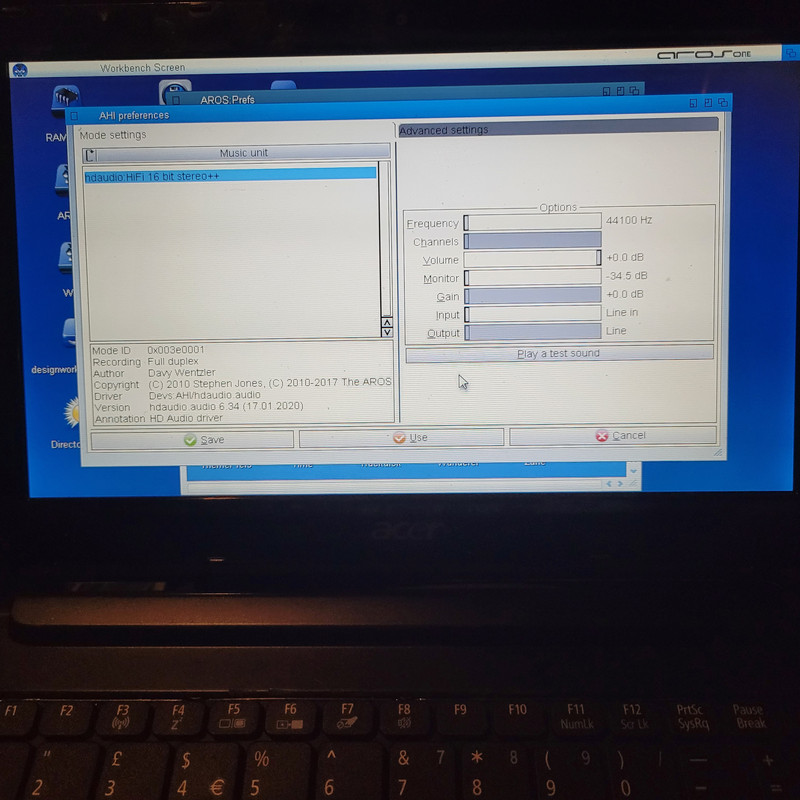
Ok, that gives me a lead! Another question: is audio working correctly on your machine? Can you play video and audio files in MPlayer? Can you make me a screen shot of your AHI Preferences?
It's great to hear that Odyssey 2.0 meets your needs! Thanks for the feedback.
Hmm, I wasn't aware that eeePC is only 900Mhz, this can be a problem for JS.
Posted by ntromans on 23-10-2024 15:08
#10
Just tried the eeePC. On the m.youtube page the 'ghosted' frames appeared but then no apparent further activity, despite waiting some minutes. Following Amigasystem's suggestion, I searched for a video and played it directly from the link. It did play! A little stuttery every 10 s or so but actually not too bad.
The one problem was that it didn't resume after the advert break. I tried rewinding back a few seconds and it did briefly restart but then went back to the inital still frame a refused to play again until I reloaded the page.
Cheers,
Nigel.
P.S. the eeePC isw also running AROSOne 2.5, 1 GB memory as previously mentioned and intelGMA graphics..
My expectation is as follows: the embedded video still won't play, but you won't get a slowdown after pressing play or if you get it, it will be much smaller. Let me know how it worked.
Posted by serk118uk on 24-10-2024 04:51
#13
Amazing thank you, youtube works and I even played embedded videos at this form if spoofing as iPhone.
No slowdown, no freeze, no crash..
Thank you deadwood..
Posted by Amiwell79 on 24-10-2024 07:44
#14
Deadwood I have tried serk's executable and the videos in the forums work, on youtube I can enter without problems but the videos don't play, also a problem has been resolved in my cloud page which used to display it in mobile mode now everything is ok, great work on your part thank you
Posted by deadwood on 24-10-2024 10:00
#15
Good to hear this resolved your issues, but I still don't know the root cause. What I give you was a workaround.
with the first executable also works youtube but I did a google search this time of a random video and it worked spof safari 13.1
Edited by Amiwell79 on 24-10-2024 14:56
Posted by serk118uk on 24-10-2024 21:47
#19
1 . Ipad, iPhone spoofing plays but if you do move the mouse about arround without clicking just moving than audio starts to loop last played audio for until you keep your mouse still.
2 you can move the window in slow refresh rate but no youtube, you can quit owb than aros wanderer becomes very slow and refresh rate drops that you can not do much after that
I think 1 and 2 is same owb
3 freezes, similar to videos I post earlier.
4 freezes , same behaviour as 3
Posted by deadwood on 25-10-2024 01:22
#20
With regards to slowdown when moving mouse over Odyssey window, that's currently the "normal" behavior. It might be fixed in future.
I'm surprised that both 3 and 4 cause freeze. I wasn't expecting this.
Can you start 1, start video playback and then go to shell, make it wide, type 'tasklist' and send me the full output?