Here is the documentation for drawing Glow Masks. I've included a PDF as well as the source code samples for all the glow mask functions.
Amiwell and anyone else who would like to contribute for my efforts to encourage me to write these applications can find my email address in the Icon Builder ReadMe file.
at the moment I'm worrying about donating what I can for the porting of WCS and then I'm in contact with Papio for work on a tool I'll be sure to give you something as soon as I can
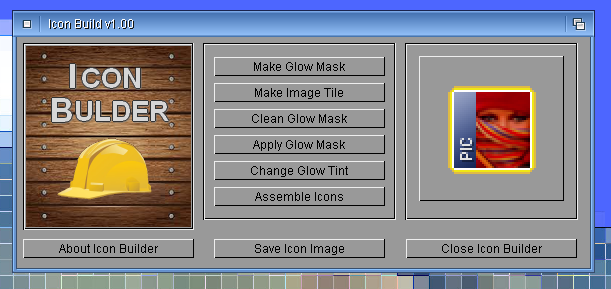
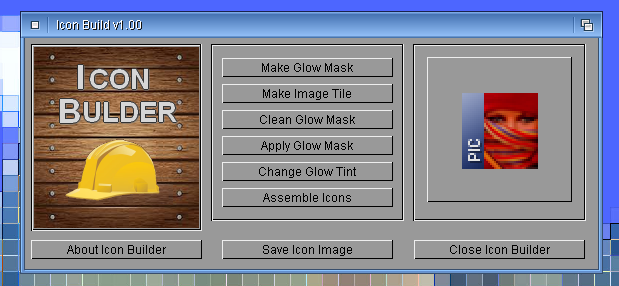
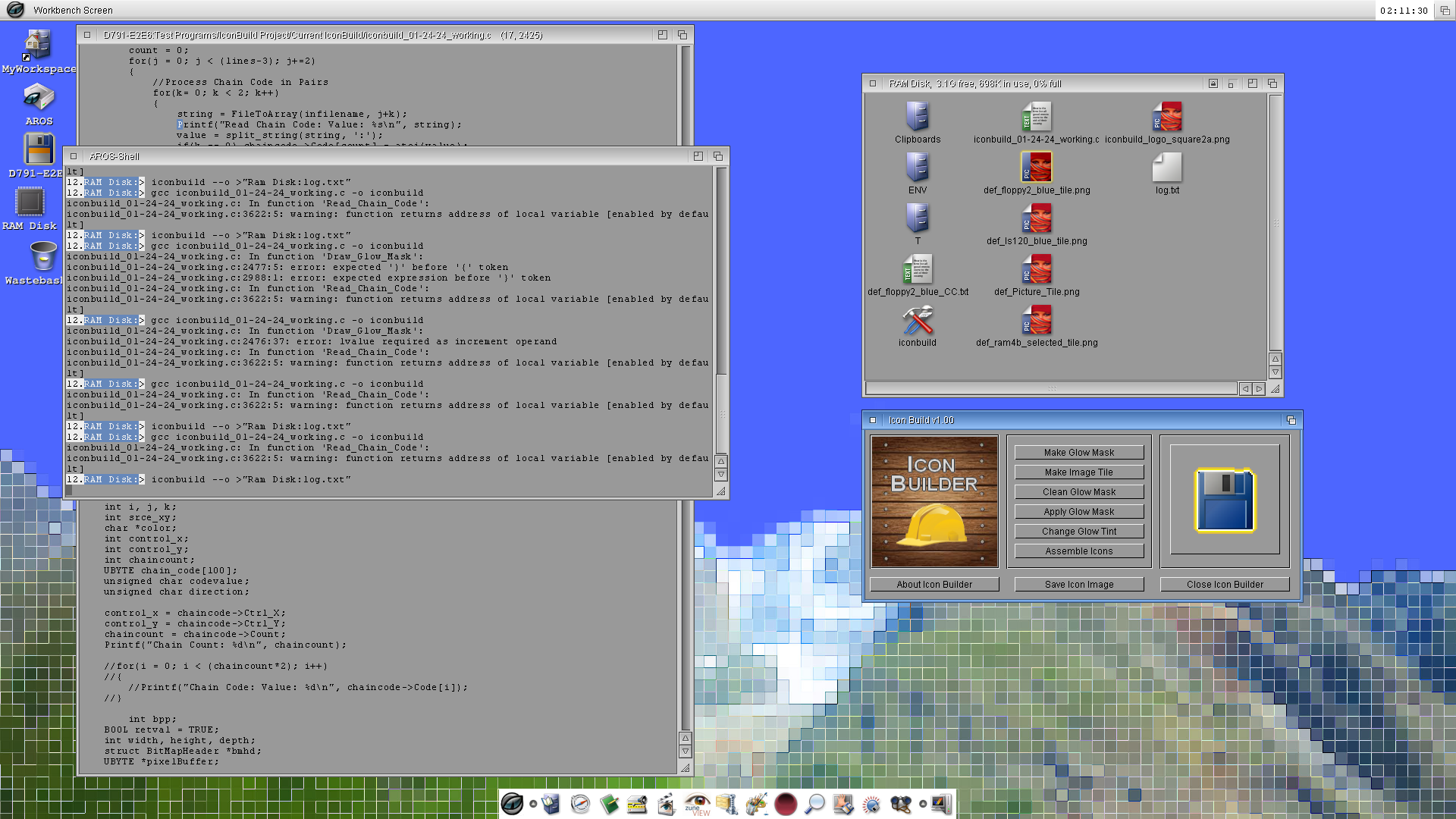
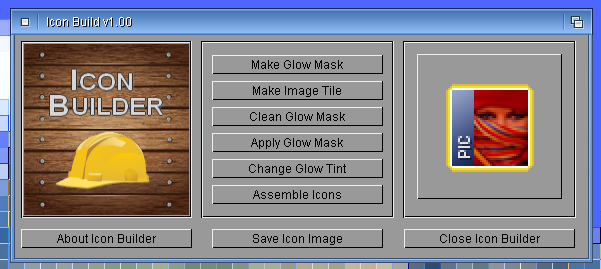
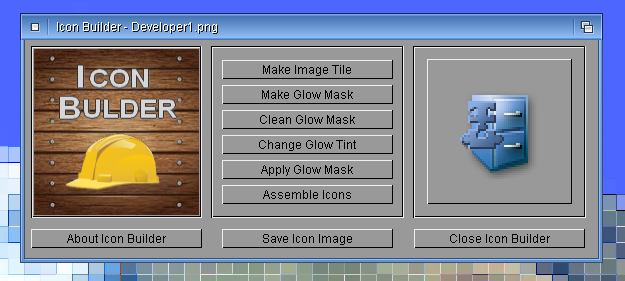
The screenshot shows some progress since last time. Drag-n-drop now works to display the large image on the right side. I still have to refine the function for alpha blending to draw to the Window Rasterport.
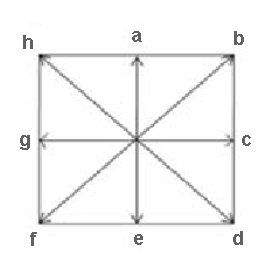
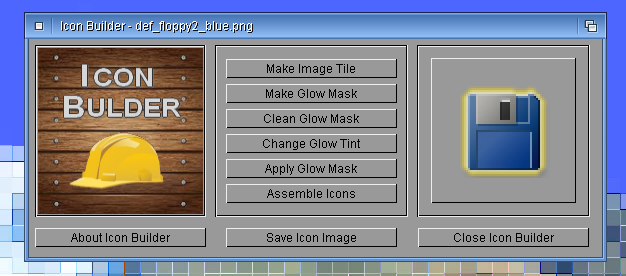
As you can see from the screenshot Icon Builder actually draws the glow mask based on the image chain code. I'm experimenting with reading the chain code directly from a text file. The sample log file shows that it works. The sample CC file is for reference. The chain code diagram is also for reference to get an idea of how it works.
So what is the benefit of using an Icon Tool like Icon Builder? I sure wish I had this tool while I was drawing all the glow masks by hand for the floppy disk, Ls-120, zip100, flash disk and ram disk icons. Each Glow mask takes about 20-30 minutes to draw by hand in a paint program. In Icon Builder as long as the chain code is good it takes about 2 seconds! What a time saver.
Edited by miker1264 on 25-01-2024 12:19, 2 years ago
It's the screenshot of the first Glow mask drawn by drag-n-drop to display the image and by reading the chain code description directly from the text file. That makes further testing much easier.
I attached my revised chain code diagram. I'm using letters instead of the original numbers.
I've been working on this icon tool since January 5th for an average of about 4 hours per day. It takes a lot of time to develop and test new code.
I've been working on this icon tool since January 5th for an average of about 4 hours per day. It takes a lot of time to develop and test new code.[/quote]
I can only suppor that statement ^^. A day should at least have 48 hours so that we can develop all we want and have time for sleep
I have a revised roadmap for Icon Tools that seems more realistic.
For Icon Toolkit it will be the app launcher for Icon Clone, Icon Drop, Icon Split, Icon Tint, Icon Type, Icon Style.
Icon Press will be an All-In-One Icon Application that can make or split both PNG and IFF Icons. Icon Edit will be very similar with an added Color Palette and the Extended Options Buttons.
As soon as the Save Amiga Icons functions are complete for Icon Press I will include that in Icon Drop and update the current version to save PNG Icons (Dual PNG Icons) and IFF Icons (Amiga Classic Icons aka Glow Icons).
Then there is Icon Builder, Theme Builder, and MUI Re-Builder. The last two aren't Icon Tools but they share similar features.
I'm also planning to release some Picture Tools such as RGB2GIF, RGB2PNG, RGB2IFF that use the simplified user interface. As well as Picture2GIF, Picture2IFF, Picture2HAM and the Picture Viewer which only uses a classic window only interface with a menu system. I hope to also make it compatible with Amiga OS 3.5/3.9. Maybe since the other apps including Icon Tools use a GadTools User Interface they may also be compiled for Amiga OS as well as for AROS.
Edited by miker1264 on 28-01-2024 12:43, 2 years ago
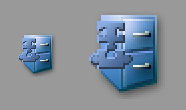
The alpha blending formula is working to blend the alpha values with the background color.
It matches what Cybergraphx Library does. The small icon image is from an actual icon displayed in a window. The large icon image is the one displayed (2x) in Icon Builder display area.
I should be able to finish the other functions in about a week. Then I can start using Icon Builder to make some new icons.
After this I will probably work on Theme Builder. It isn't an icon tool but it may be very useful.
Edited by miker1264 on 31-01-2024 18:47, 2 years ago
For Icon Builder I started the Apply Composite function that will allow combining a tile image with a glow border.
That just leaves Change Glow Tint and Assemble Icons then it will be completed. The Assemble Icons function will use a Progress Indicator much like the one Magellan uses. The code for that will be re-used for Sun-Ray also when rendering scenes to indicate progress.
I'd like say that Icon Drop will be the first Icon Tool to be both AROS & Amiga compatible using the same source code to compile for both. But that title goes to Icon Split CLI instead. It works on AROS and Amiga OS 3.5/3.9 with the same source, unchanged for both platforms.
The major obstacle keeping me from making the previous Icon Tools from working also on Amiga was the display method. I was using CybergraphX WritePixelArrayAlpha to display images. The alternate method for Amiga was BltBitMaptoRastPort but it requires a bitmap. Using the Direct Draw Method I developed for Icon Builder now I can use Graphics Library to draw directly to a RasterPort with Alpha Blending. That should work with Amiga also.
Edited by miker1264 on 07-02-2024 13:20, 2 years ago
Sometimes, no matter what good intentions I have to do programming, life intervenes. I had a few days this week of down time.
But I did finish reconstruction of several build systems (VM's) in VMWare. Each Ubuntu VM occupies about 50GB of space so that's about 300GB of data. So now I can build AROS again.
Next I have to rebuild all the test OS's in VirtualBox then reconstruct DevCPP cross compiler then finally DosBox. That's quite a bit of work.
Edited by miker1264 on 15-02-2024 11:51, 2 years ago
miker, I don't know if you are interested, my friend PeterK has created "RefreshIcons" an application that on AROS would be very useful for updating Wanderer.
Peter along with the application has also included the sources, but unfortunately they are in the asm language !
I attach links where you can read all the features:
[url=https://www.arosworld.org/infusions/forum/index.php?viewforum&forum_id=16][b]AROS One All Thread[/b][/url]
[url=https://sites.google.com/view/arosone][b]AROS One Home Site[/b][/url]
[url=https://www.facebook.com/profile.php?id=100095334408019][b]AROS One Facebook[/b][/url]
It seems that Refresh Icons remaps & redraws icons on Workbench after switching screens. That's not as useful for AROS as it is for Amiga.
Refresh Icons for Wanderer would be useful to re-display icons after an icon exchange if the icon images don't change automatically. If we don't already have that we should add the menu item to the Wanderer Menu.
Edited by miker1264 on 20-02-2024 20:10, 2 years ago
On Wanderer it serves even more, if you try to replace a "Disk.info" (for exmple copy it from Dopus4) in a volume, Wanderer will not notice the change, in the menu there are no entries to update, in the menu there is update but it does not update this change, the only way to see the new icon is to use from the menu "Backdrop", just disable/enable it.
On OS 3.9 however this doesn't happen, if you replace a volume icon, the new icon appears immediately on the workbench,
[url=https://www.arosworld.org/infusions/forum/index.php?viewforum&forum_id=16][b]AROS One All Thread[/b][/url]
[url=https://sites.google.com/view/arosone][b]AROS One Home Site[/b][/url]
[url=https://www.facebook.com/profile.php?id=100095334408019][b]AROS One Facebook[/b][/url]
You can view all discussion threads in this forum. You cannot start a new discussion thread in this forum. You cannot reply in this discussion thread. You cannot start on a poll in this forum. You cannot upload attachments in this forum. You can download attachments in this forum.