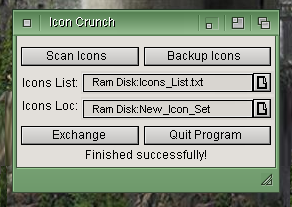
In order to Replace Icons:
1st step - Scan All Directories for Icons & Save Icons_List.txt to Ram.
2nd step - Optionally Backup all icons by using the Icons_List.txt to copy icons to "Ram Disk:Icons".
3rd step - Select Icon_List.txt location (in case it already exists somewhere other than Ram). The filename appears in the edit box.
4th step - Select first icon file of the Icon Set to get the full path. Path is saved to edit box.
5th step - Exchange button will replace all icons on the Icons_List.
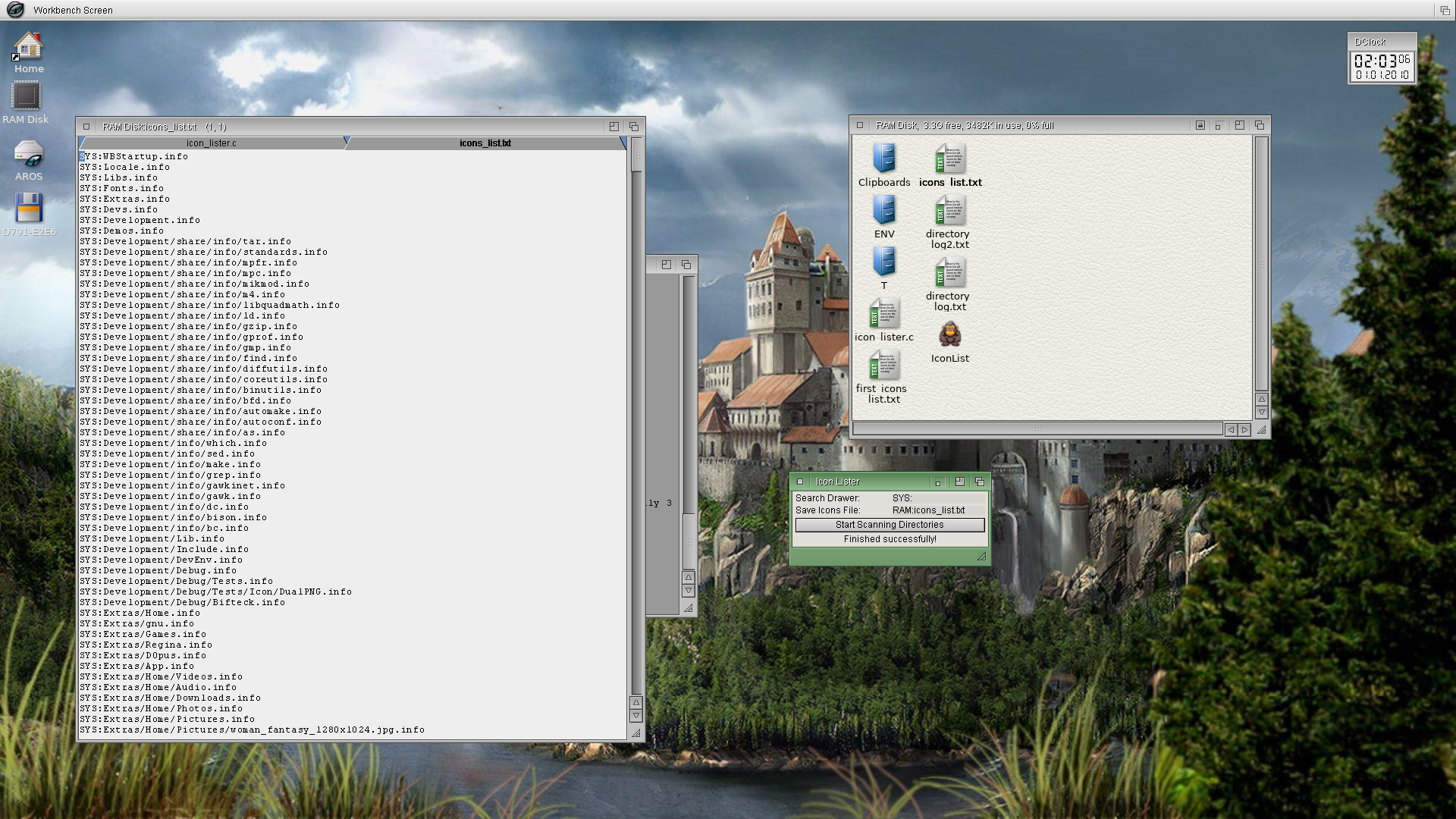
The first step (list all icons) was completed successfully. You can edit the Icons_List.txt to only replace the icons in a specific drawer, for example, or all icons on the system.
This utility app is IconList. It just starts in SYS: and lists all the icons on your AROS system. It saves the list to a text file in Ram Disk. Later today I'll post the source code. :-)
Edited by miker1264 on 05-09-2026 09:44,
2 days ago
miker1264 attached the following image:
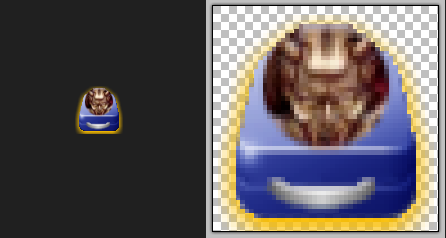
Recently I started a new project out of necessity. It has a Gorilla as it's mascot and as it's Application Icon.
What do gorillas do? They crunch & munch & tear up those Gorilla Icons & replace them with nicer icons! :-)
It's an Icon Replacement Tool. It's an MUI/Zune app & it's in it's very early stage of development. I'll work on it this weekend to get it fully working.
Edited by miker1264 on 04-09-2026 11:22,
3 days ago
miker1264 attached the following image:
I think this one is a winner! Now to integrate the code into the GUI. :-)
I need to add some pixel blending and then make real icons for testing.
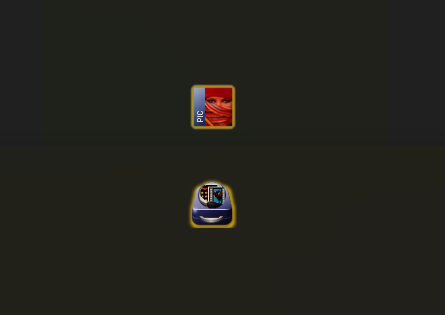
This is a simplified Neon Glow Icon.
Edited by miker1264 on 26-08-2026 13:10,
12 days ago
miker1264 attached the following image:
This file contains the code needed to complete the functions producing a neon glow border.
At the top of the text file is some random test data. I was trying to work out the formula for darkening glow pixels to simulate adding black. When the original image with the black Shadow border is composited over the glow mask the pixels are blended or darkened to give the glow border a 3D effect.
The pseudo code and notes at the bottom are how I intend to do the image compositing function.
Please don't try to compile the code. It doesn't do anything in particular. It's just a sample. ;-)
By the weekend I'll post my AddGlow program. You can compile that code. It's a command line app that adds a neon glow based on a drop shadow.
Edited by miker1264 on 25-08-2026 13:13,
13 days ago
miker1264 attached the following file:
Here is a sample of the neon glow masks made from shadow borders.
I will need to use a non-offset, larger shadow mask for a larger glow size. I also meed to do the alpha intensity.
But it's getting closer...
The image on the left has the shadow template. The image on the right with the glow border is the one we are trying to match. The others are neon glow mask samples.
I'll post the code here when it all works. Now you know the concept.
Edited by miker1264 on 23-08-2026 17:33,
15 days ago
miker1264 attached the following image:
I'll be starting a new Topic for Small Icon Tools which are command line utilities for making or modifying icons. I will provide the source code as well as 32bit & 64bit binaries. It would be easy enough for anyone to combine the source code in a GUI.
For making neon glow borders I have a new method that I think will work. Whereas adding glow borders to Ken's v4 Icon is like using a sniper rifle in a video game, it's very precise. But making a neon glow is like a Shotgun Effect, it's quick but requires less presision and it's easy.
In order to make a neon glow we start with adding a Shadow Template which is basically a Shadow Border that isn't offset, it's centered on the image instead. The shadow pixels are all black with varying alpha values. It's also called an Alpha Mask. The purpose of the Shadow Template is to scatter the alpha values that will be used later.
For the glow effect, using the Shadow Template, we replace black pixels in the alpha mask with the selected glow tint. Such as if we use Aqua Glow Tint the rgb is (0,255,255). For each black Shadow Pixel we replace (0,0,0) with (0,255,255) which creates an Aqua Glow Mask. We can use any Glow Tint that we know the RGB values.
The Neon Glow Mask alone is not enough to produce the Neon Effect. We need to darken certain pixels & blend fringe pixels to give a 3D look. When we combine the original image with the mask we do blending.
Since the alpha mask aka Shadow Mask is composed of black pixels in orden to blend them with the Neon Glow Pixels we simply darken the Glow Pixel to simulate adding black. In Color Theory adding White lightens a pixel and it's called a "Tint". Adding black darkens it and it's called a "Shade". So we simulate adding black. For fringe pixels around the RGB Icon Image that are not black but have alpha values >0 but <255 we do real Linear Blending.
Using the Shadow Template to produce the Neon Glow Mask then Compositing the images and doing pixel blending with the Original Shadow Pixels it produces a nice 3D looking Neon Glow Border.
That's what I'm working on now. :-)
While trying to add a method to an existing icon maker GUI I accepted a challenge to come up with a method to draw a neon glow border to add it to an existing icon image.
My Icon Builder program already has a suitable method to draw new glow borders for Ken's v4 46x46 icons but that is too complicated. Now I have a new concept for neon glow border.
Edited by miker1264 on 22-08-2026 10:26,
16 days agoAMIGASYSTEM
I will integrate the code to get the Color index into the GUI tomorrow.
I spent the evening working on my Build System for ABIv11.
P.S. - It's really hot in my Home Office where I do my computer work and where I do my AROS development. It's about 90 deg F in this room, or 32 deg C. I'm sweating it for AROS!
Edited by miker1264 on 20-08-2026 23:12,
17 days ago AMIGASYSTEMDistro Maintainer
Posted
18 days agoI tried compiling getglowcolors_sample natively, but I'm getting errors!
As for the GUI for IconMake here is the code that I wrote to connect the selected glow tint to the actual glow colors for each of the color bands in the glow mask. The 24bit glow mask is used to make the 32bit glow border by applying a blur effect.
miker1264 attached the following file:
Using Icon Builder it's a very subtle Neon Orange Glow.
The other colors will be added.
Some adjustments are needed.
Edited by miker1264 on 14-08-2026 13:12,
24 days ago
miker1264 attached the following image:
For AddNeonGlow I analyzed one of the AROS One png Glow Icons. You may not notice anything particular about it, but it appears to be similar to the Black Drop Shadow technique.
Rather than using Detect Contour & Draw Glow Mask as I did for Ken's v4 icons the procedure for neon glow borders may be greatly simplified. The glow mask would simply be a colored silhouette the same size as the rgb icon image. Apply the blur effect & do some alpha blending.
I'll do some more testing in the next few days to see if I can replicate the neon orange glow border sample.
miker1264 attached the following image:
AMIGASYSTEMDistro Maintainer Posted
27 days agoGreat, miker. Regarding IconMake: since there are no tools for creating icons in AROS 64-bit v11, I’ll be releasing IconMake for now, and it will be included in the upcoming AROS One 1.4. Once the version of IconMake that you’ve improved is ready, we’ll release it under a different name.
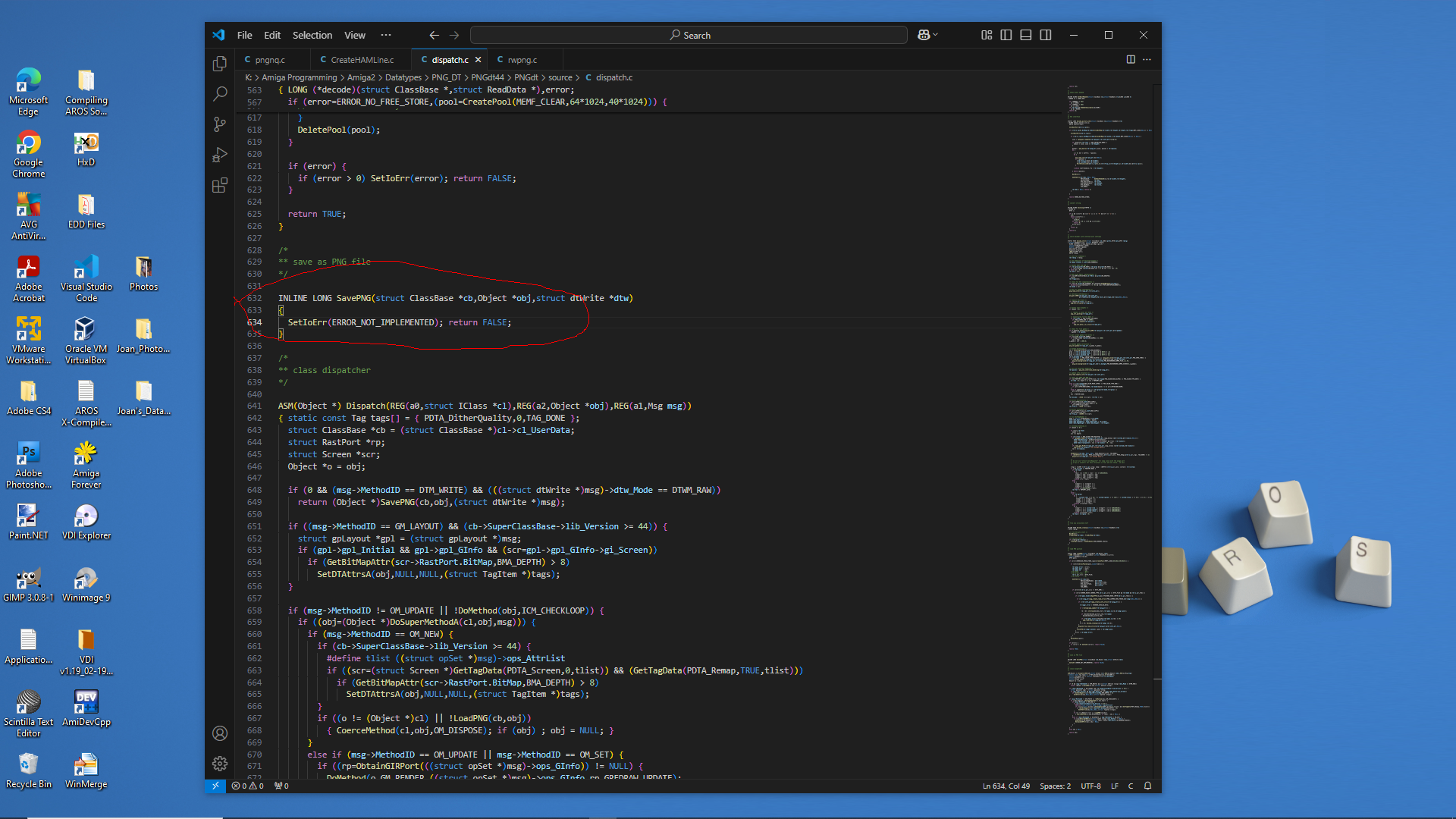
Now I know why the OS 3.9 PNG datatype only Saves as ILBM.
See the screenshot...
SavePNG is Not Implemented.
At a later time I will setup Amiga-gcc cross compiler and try to fix the datatype by adding a save function.
In the meantime I can use rwpng.c provided with png_nq for Amiga which is part of PNG_Neuquant from libpng. It allows reading/writing PNG.
It seems ironic! For all the testing over the last week or two for using Datatypes to save a PNG image for the 68k version of Icon splitter, the Amiga Datatypes code works and now picture.datatype work but PNG datatype is incomplete to SavePNG.
So for icon Splitter I'll use rwpng instead till I have time to fix the PNG datatype. So much fun 😊
PS - I may need to install Bebbo's Amiga-gcc cross compiler for Amiga 68k to try to fix the Datatypes. It should be no different than compiling AROS 68k code.
Edited by miker1264 on 18-05-2026 15:08,
4 months ago
miker1264 attached the following image:
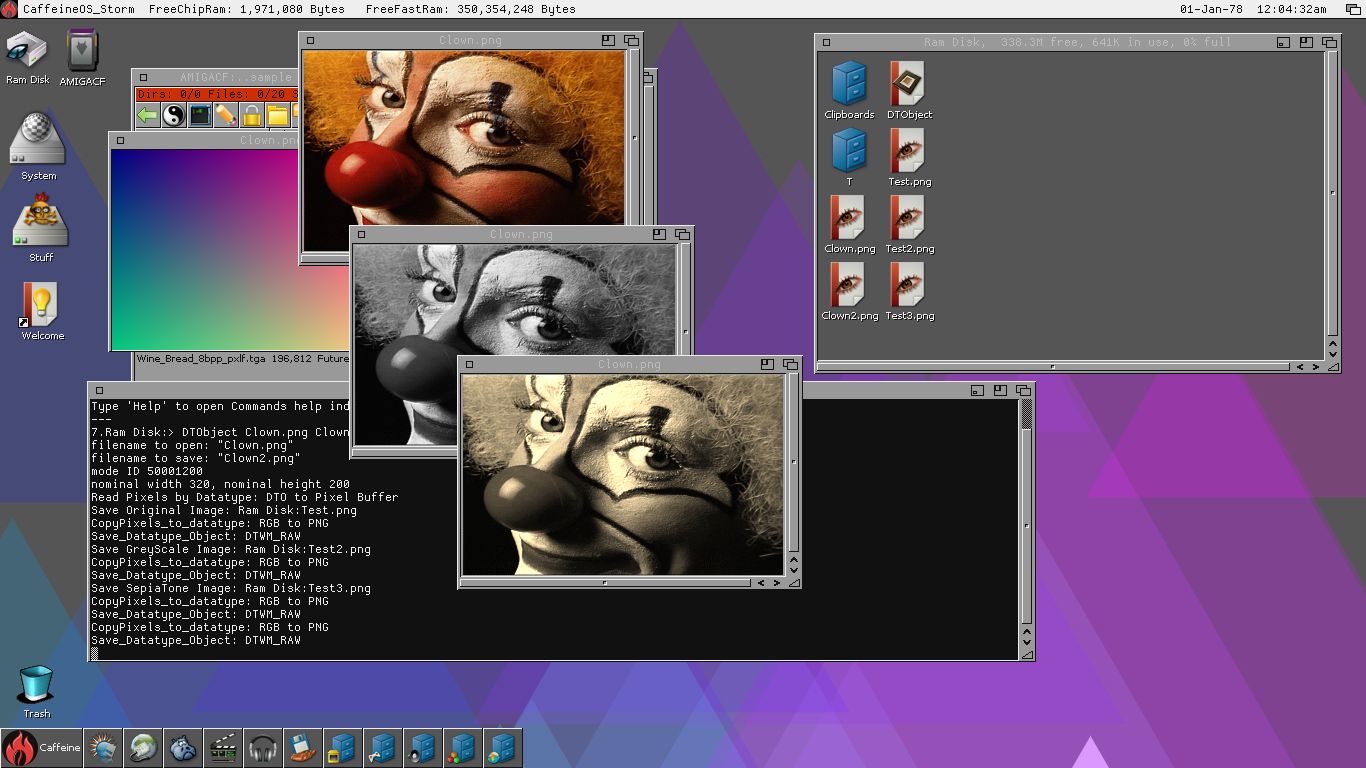
Success!! It's a beautiful thing when the code works correctly. :-)
I had to get my Datatypes code to work correctly for Amiga 68k so I can update my Icon Splitter app for AROS 68k and Amiga. But I had some difficulty along the way over the past week or so. Nothing I did seemed to work as expected.
I narrowed it down then I discovered the problem. The picture.datatype that I was using for Amiga OS3.9 was corrupted. So I replaced it with the picture.datatype that comes with Picasso96. Then it worked perfectly!
The BMP datatype and PNG datatype still have issues though. These are the ones written by Gunther Nikl many years ago. The save functions for those Datatypes aren't working. BMP doesn't save anything and PNG datatype saves ILBM instead of PNG. I have the source code for both Datatypes to look at to see why this happens.
In the meantime I have a program that uses PNG library to read and write PNG files directly. So I can use that and I can use native Read BMP and Write BMP in my application. The Targa Datatype may be working. And far as I can see JPEG works.
I attached a screenshot of my AROS Datatypes code and my GreyScale and SepiaTone functions from PixieView working on Amiga 68k.
I'm using AddDTObject to add it to the window to display the images. This is the method AROS MultiView uses. It also allows PDTM_Scale to resize the datatype image data so you resize the image using a window size gadget. That's a nice feature!
Now I can move forward to port PixieView to AROS 68k and Amiga.
miker1264 attached the following image:
There must be something wrong with the Datatypes system on Amiga OS 3.9. When I get a datatype object of a PNG image then save it directly using DTM_RAW it saves correctly. When I use PDTM_ReadPixelArray to get pixel data it is corrupted.
When I modify a pixel buffer with a gradient test image then copy to the same datatype object using the PDTM_WritePixelArray it seems ok. But when I save it afterwards with DTM_RAW it should save a PNG. But for some reason it saves as ILBM.
Is there something wrong with the picture.datatype? The same code works on AROS but not OS 3.9 !!